
-
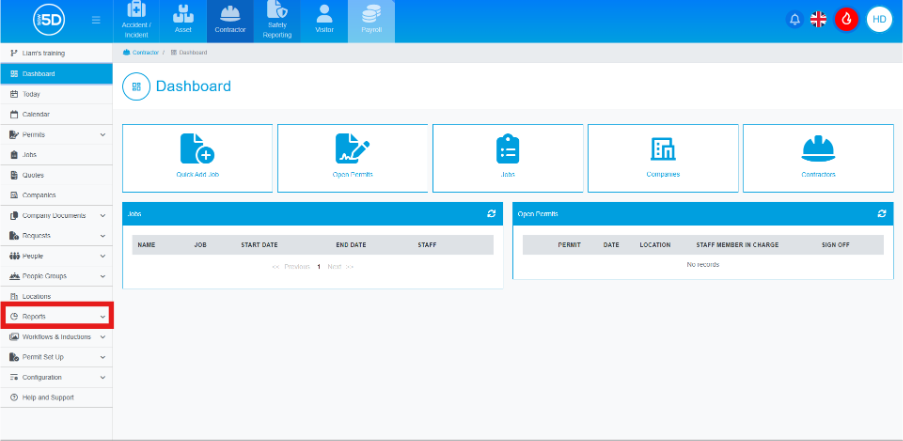
- From the contractor module, click ‘Reports’ on the left-hand side.
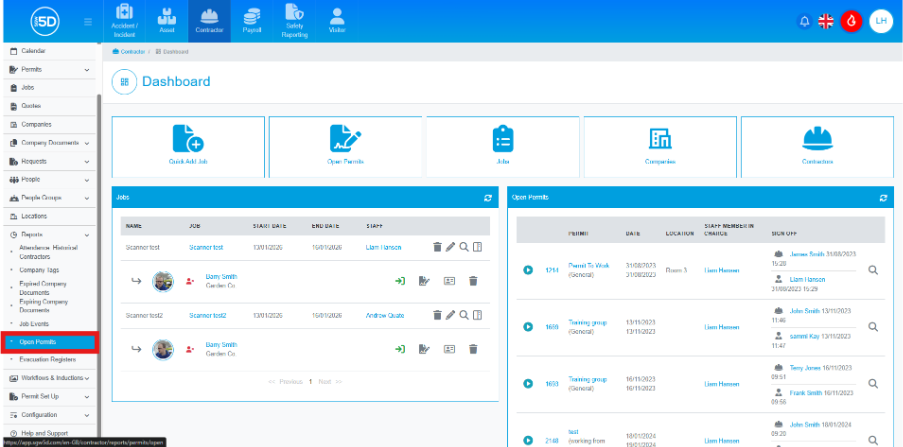
- From the dropdown menu, select ‘Open Permits’.
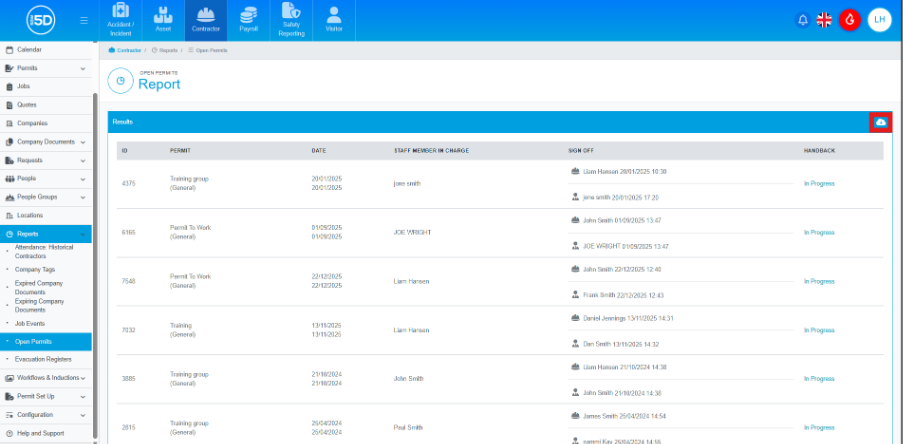
- This will take you to page of all the currently open permits. You can download the list by clicking the cloud icon in the top right of the ‘Results’ box.
- From the contractor module, click ‘Reports’ on the left-hand side.