
- How to set up document automation for a Missing Document
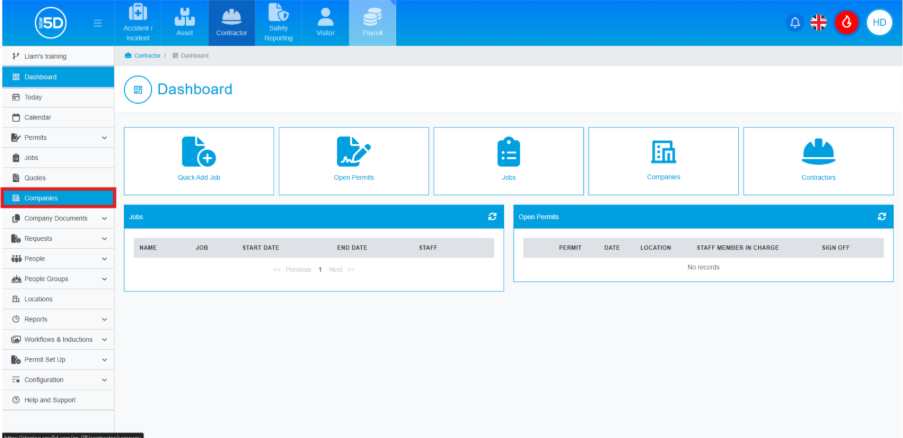
- To automate documentation for a missing document, start by clicking ‘Companies’
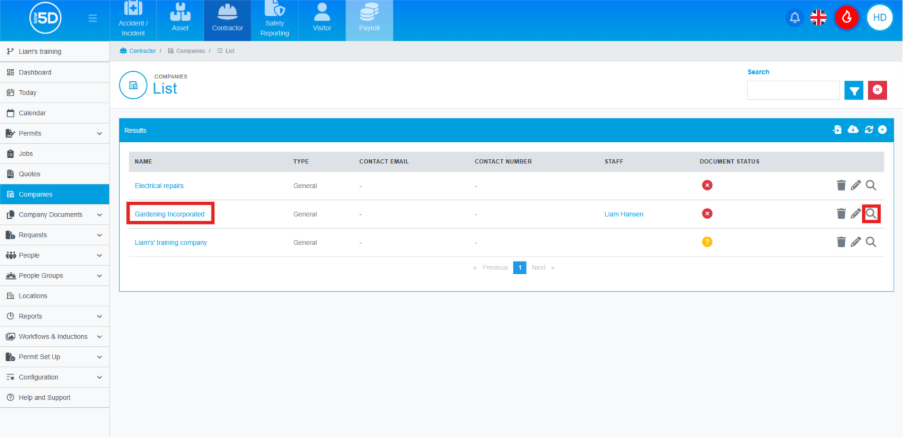
- Next, locate the company you want to set up the automation for and click on the name of the company or the magnifying glass.
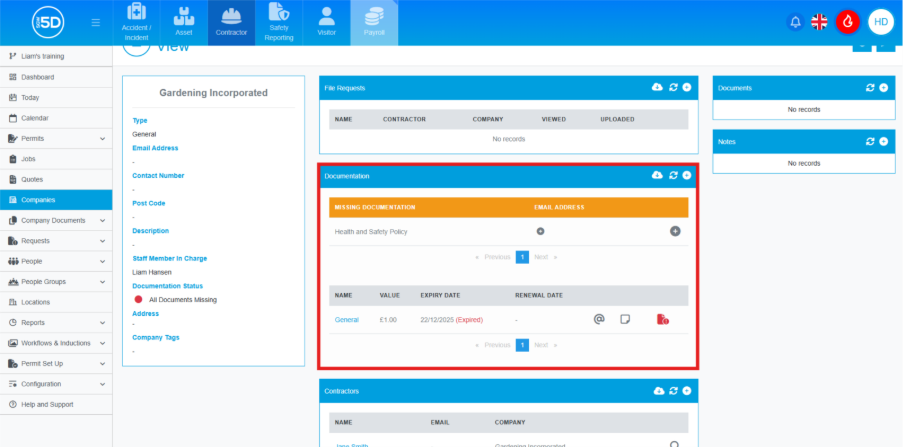
- This will take you to an overview page of the company. Scroll down the page until you see a section called ‘Documentation’.
- To send out the request, click the plus symbol under the ‘Email Address’ column.
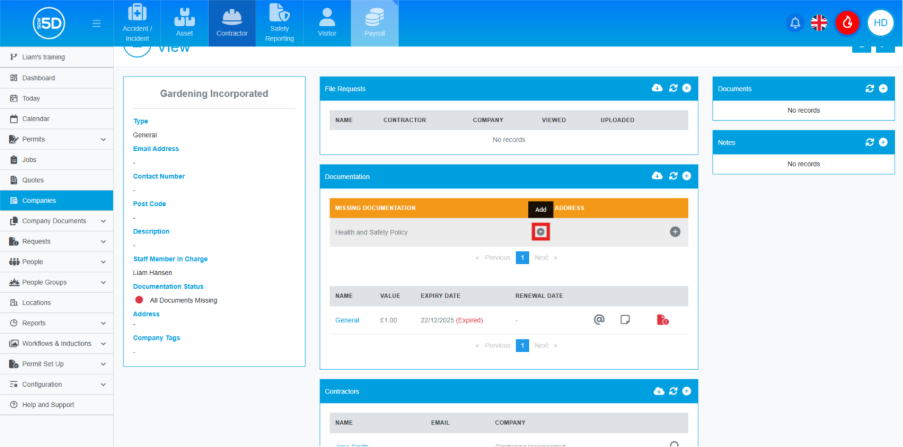
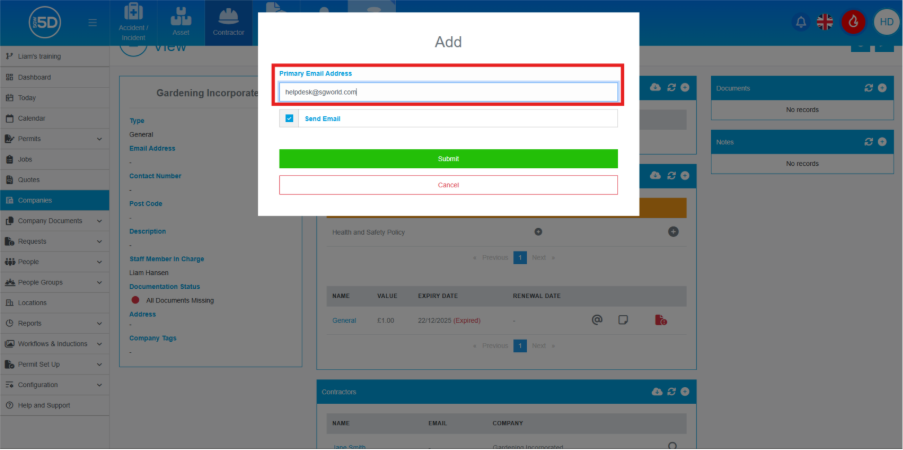
- An overlay will appear; enter the email address you want to send the request to.
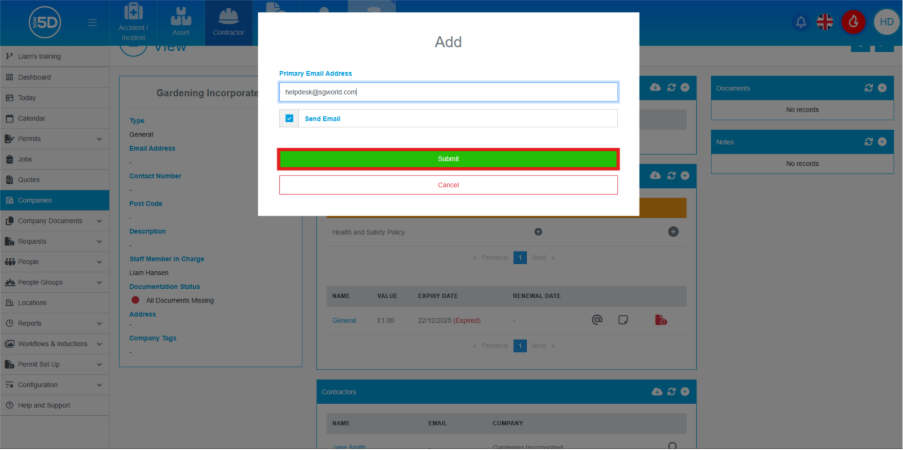
- Click the ‘Submit’ button.
- To automate documentation for a missing document, start by clicking ‘Companies’