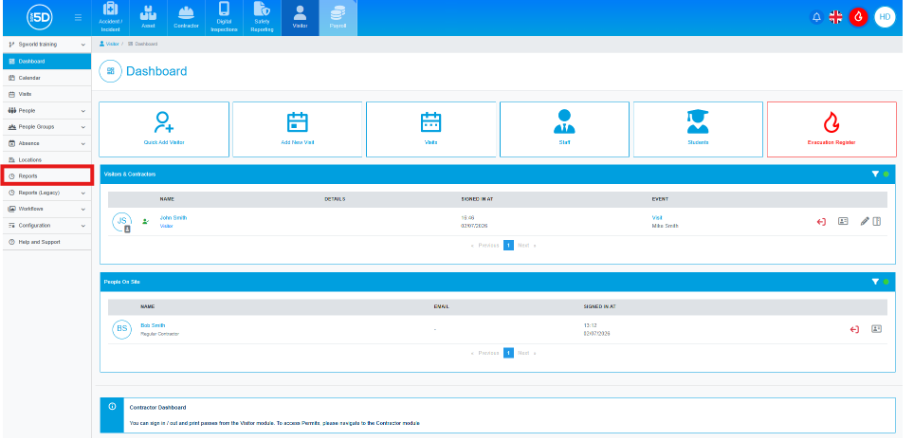
- From the visitor module , use the left‑hand navigation panel and click Reports.
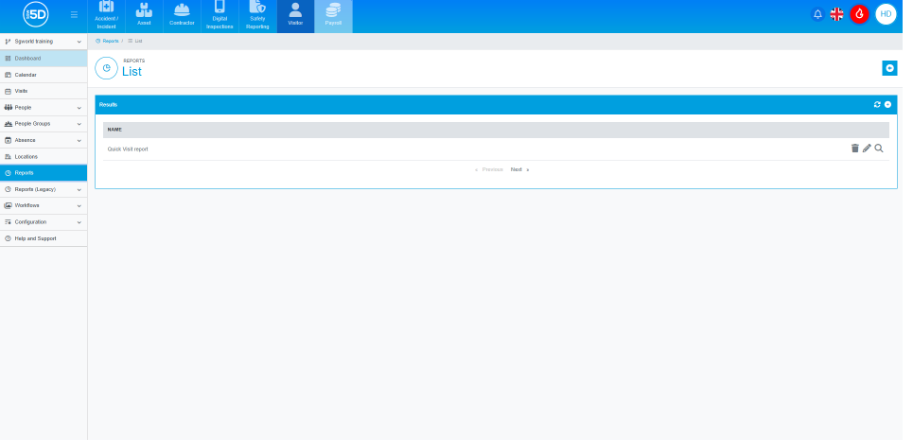
- This will take you to the report overview page. Here, you will be able to run any pre‑existing reports, either those created by you or by anyone else in your company.
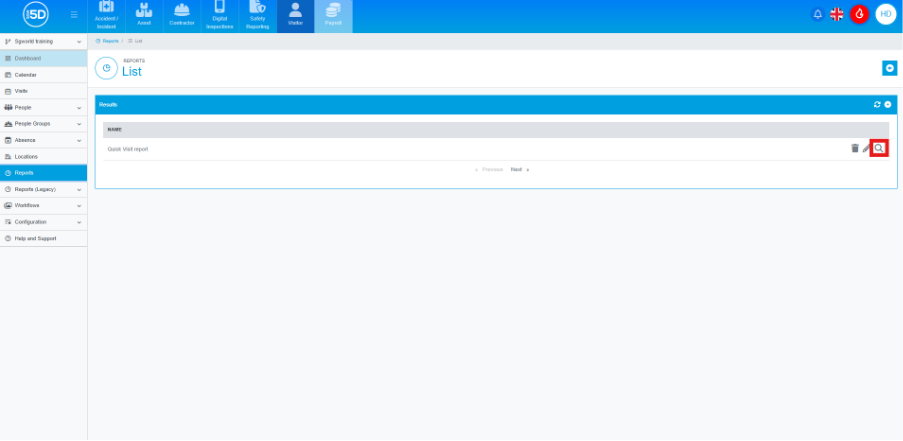
- To run a report, click the magnifying glass on the row of the report.
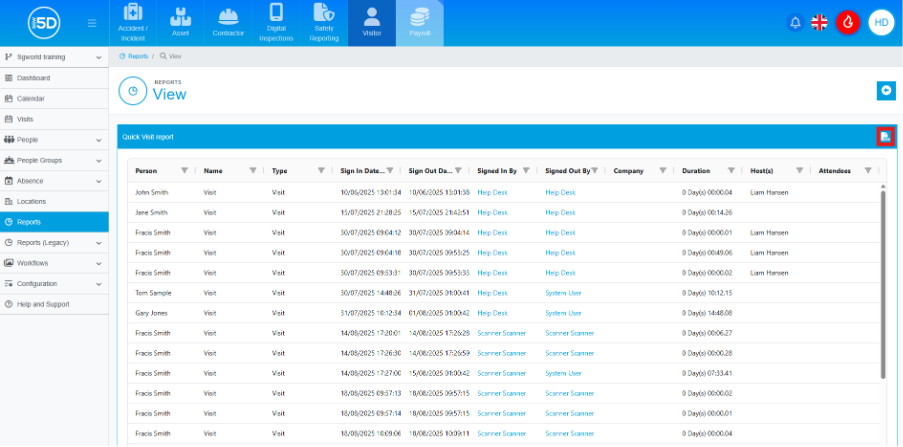
- This will run the report. You can download the report as a CSV file by clicking the icon labelled CSV in the top‑right corner of the screen.