
-
- Using the left-hand navigation menu, click ‘Inventory’ and then ‘PAT Testing’.
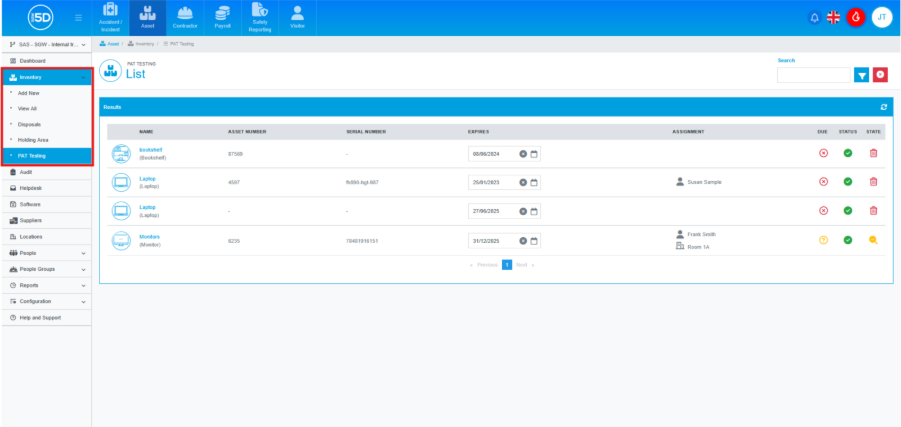
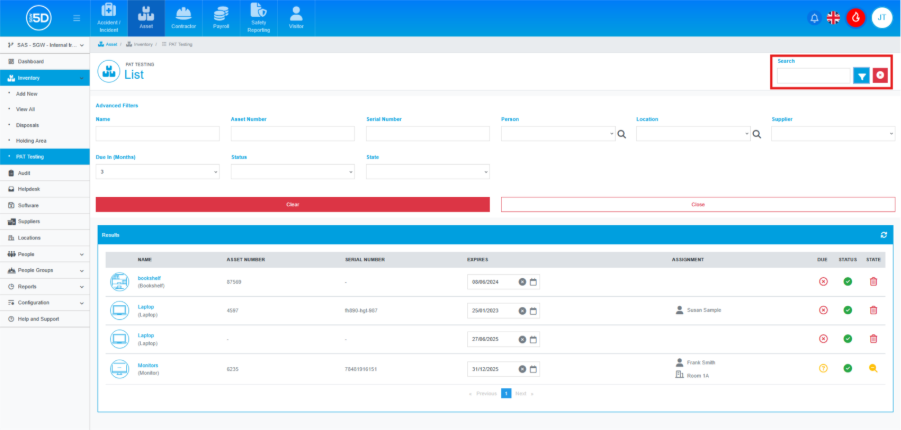
- You will now see a list of all items on the system that have been setup for PAT Test tracking when added to the system. You can use the search bar in the top right to look for a specific item or click the blue Filter icon sort the list further.
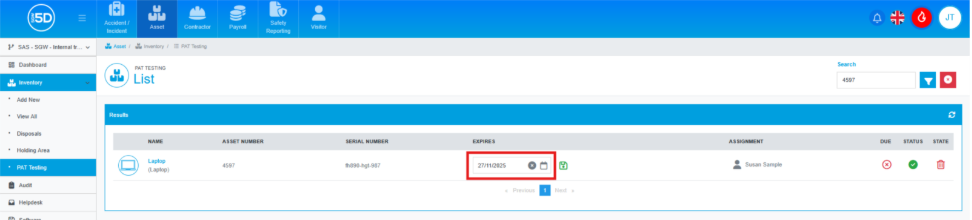
- Find the item you wish to update and then change the ‘Expires’ date to the new test expiry date.
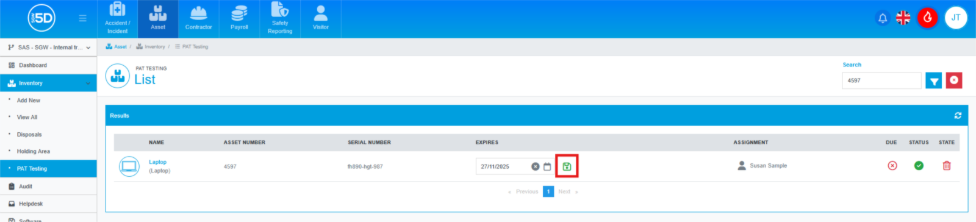
- You will now see a green icon appear next to the date, click this to confirm the new date.
- Using the left-hand navigation menu, click ‘Inventory’ and then ‘PAT Testing’.