
- How to edit Item Types
- Using the left-hand navigation menu, go to ‘Configuration’ and then ‘Item Types’.
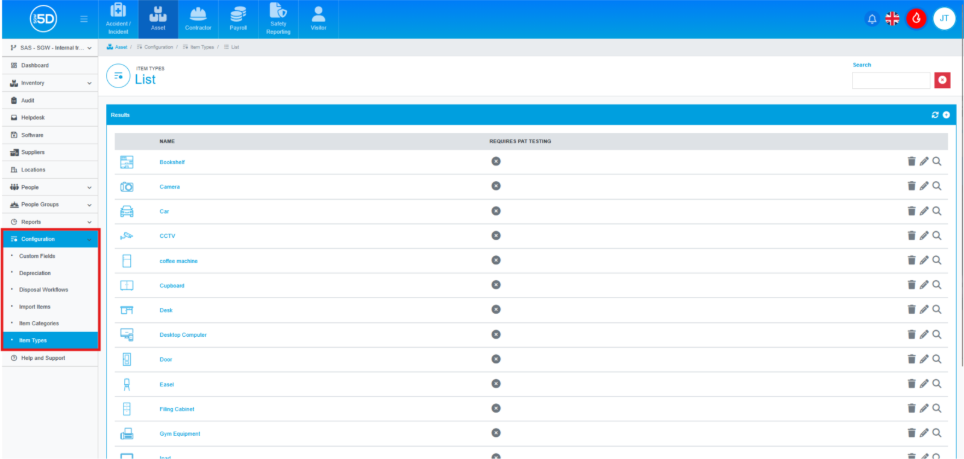
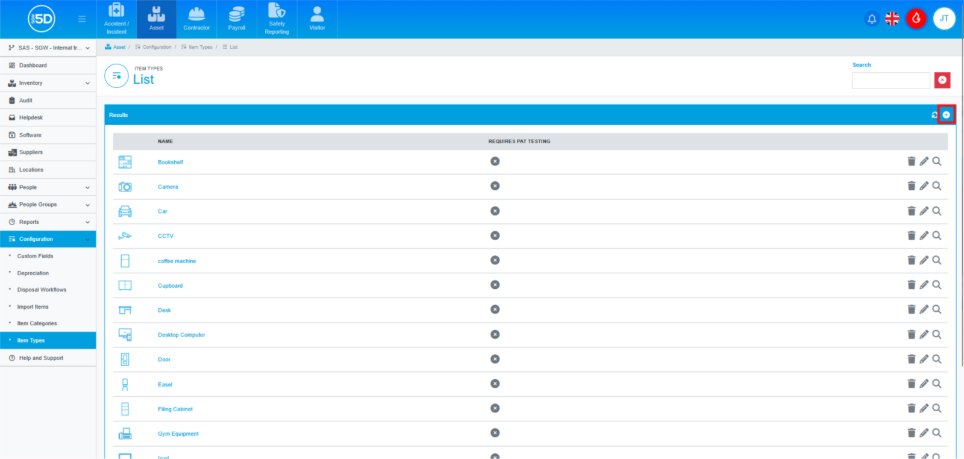
- Click the Pencil icon next to the record you wish to edit.
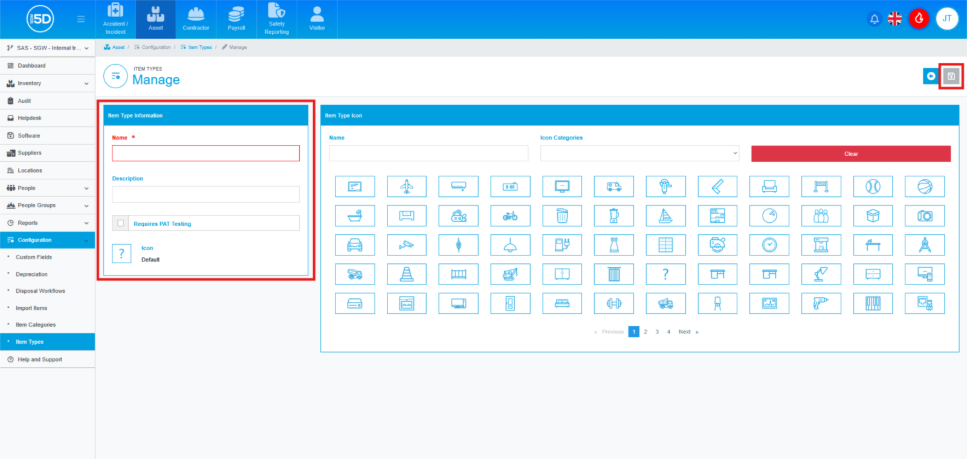
- Make any changes you wish. Once you are done, click the green Save icon in the top right to finalise the edits.
- Using the left-hand navigation menu, go to ‘Configuration’ and then ‘Item Types’.