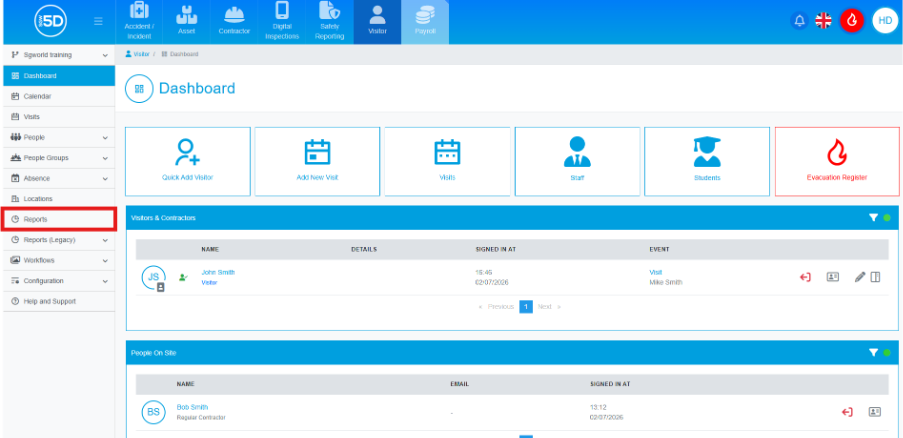
- From the visitor module, use the left‑hand navigation panel and click Reports.
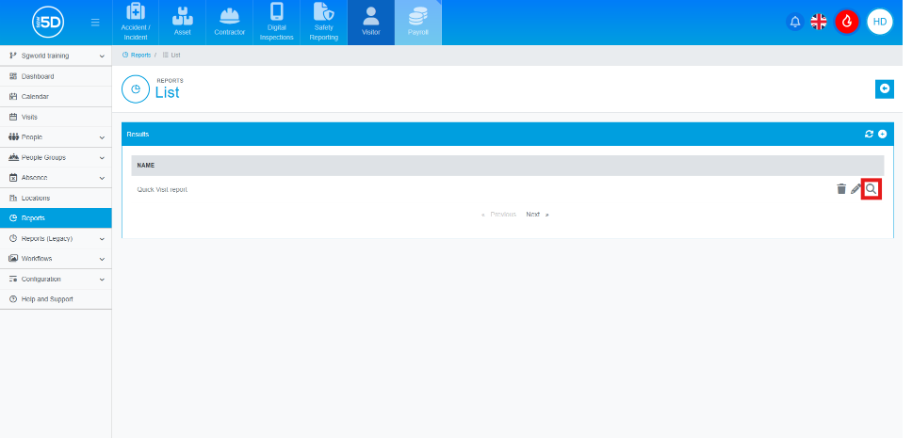
- This will take you to the report overview page. Here, you will be able to run any created reports.
- To edit a report, click the pencil icon on the row of the report you would like to edit.
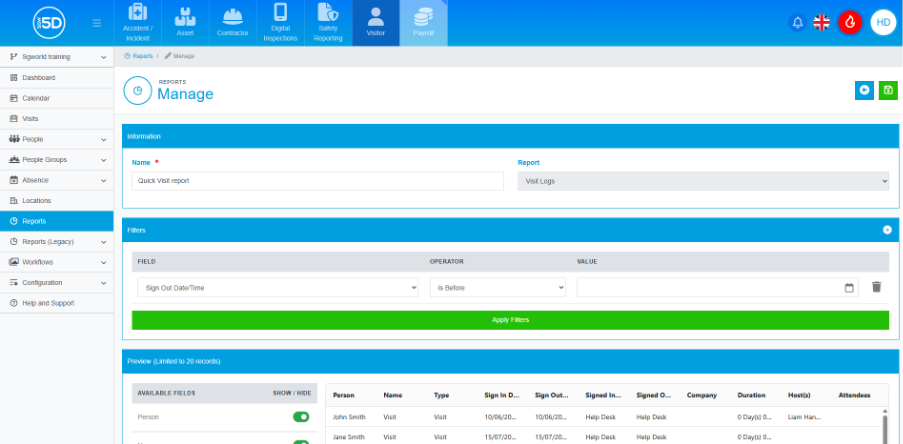
- A new page will load allowing you to edit most of the details of the report, the only part you cannot edit is the Report dropdown. If you want to change the report type, you will need to create a new report.
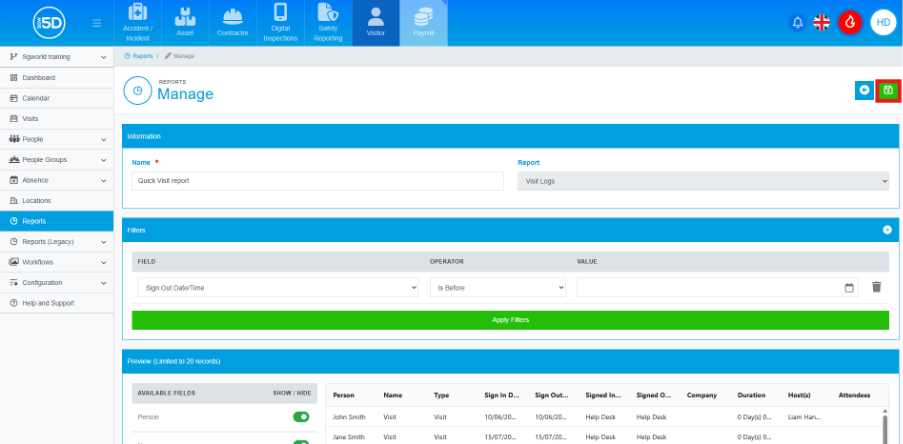
- If you want to save the changes to the report, click the green save icon in the top right.