
-
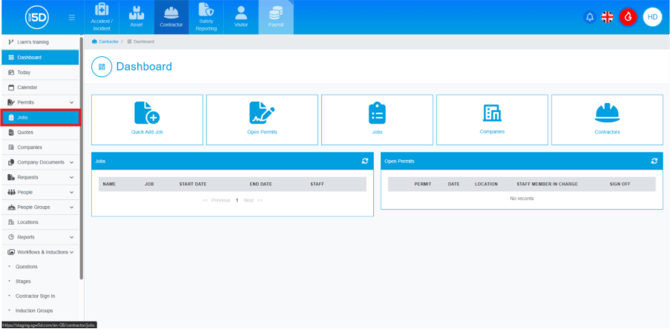
- From the contractor module, start by clicking ‘Jobs’ on the left-hand navigation panel.
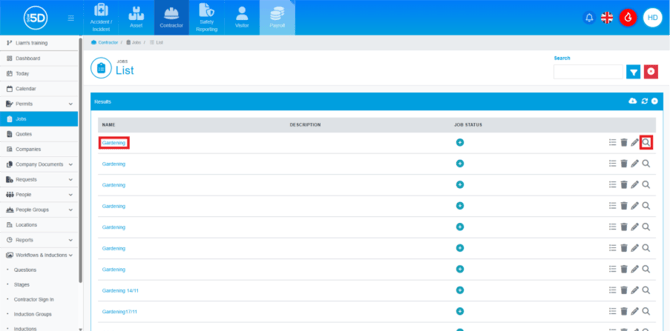
- This will take you to a list of old and active jobs. Locate the job you want to edit an event for. Click on the name of the job or the magnifying glass to access the record.
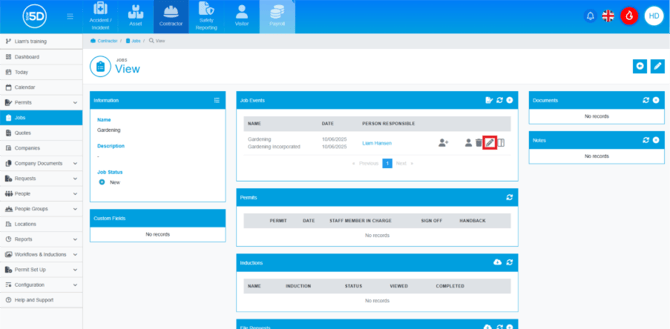
- This will take you to an overview page of the job. To edit a job event and click the pencil icon on the row of the event.
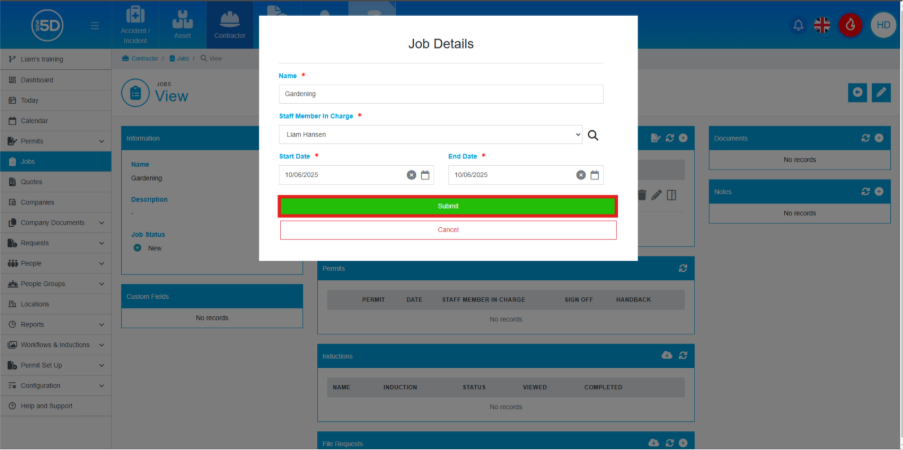
- Here you will be able to change the name of the job, the staff member in charge and the start and end date.
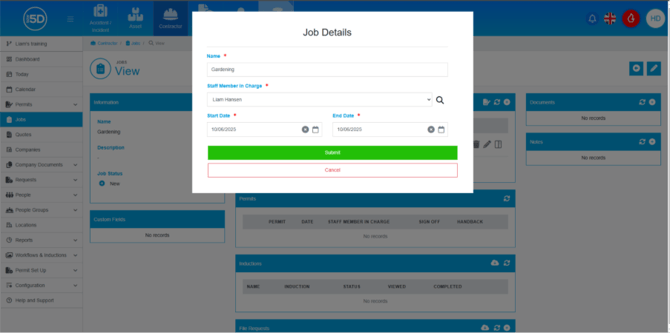
- To save any changes, click ‘Submit’.
- From the contractor module, start by clicking ‘Jobs’ on the left-hand navigation panel.