
-
- Using the left-hand navigation panel, go to ‘Software.’
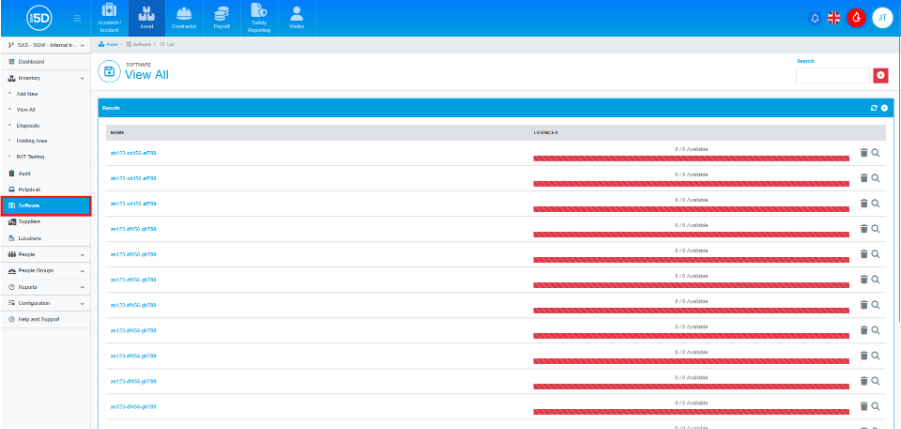
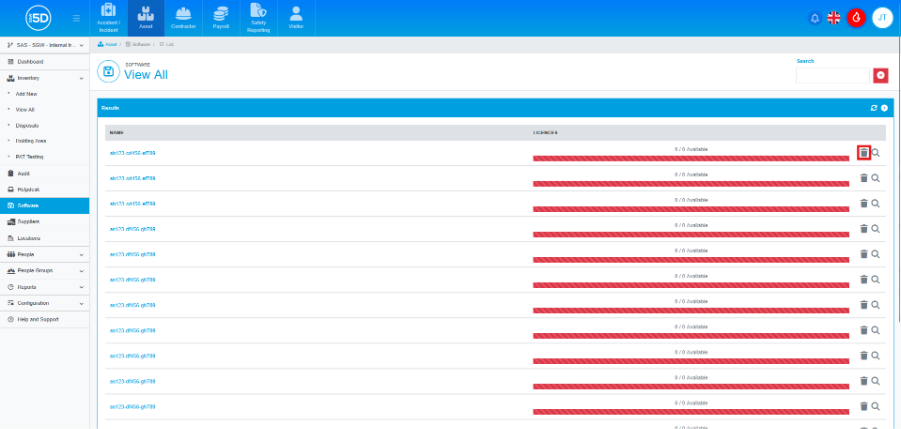
- You can delete either the licenses under a record or the record as a whole. To delete the full record, including all licenses, click the Bin icon next to the record. Please note that deleted records cannot be restored.
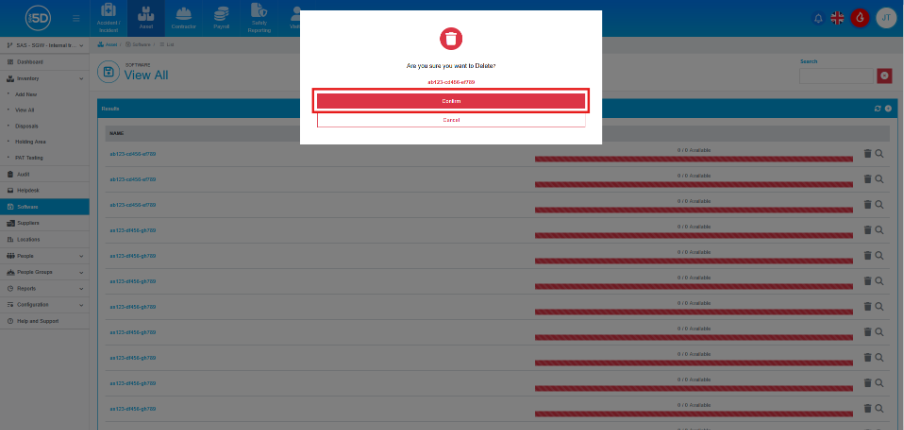
- You will then be asked to confirm the deletion, click ‘Confirm’ to delete the record.
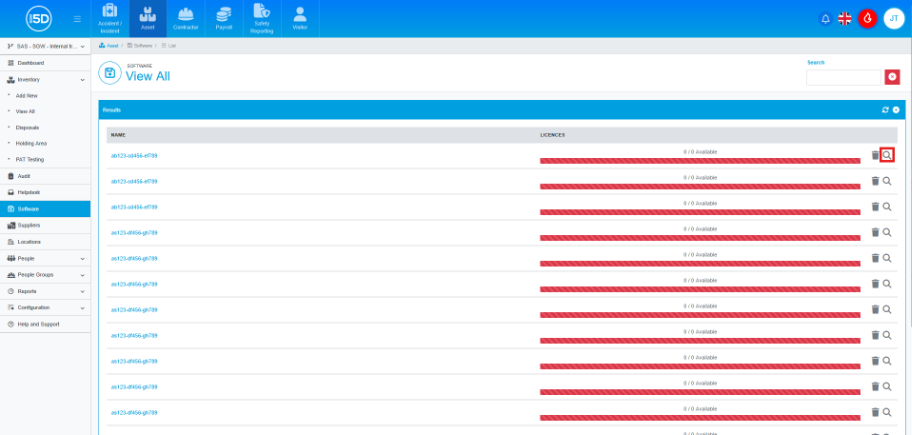
- If you just want to delete individual licenses, click on the magnifying glass next to a record.
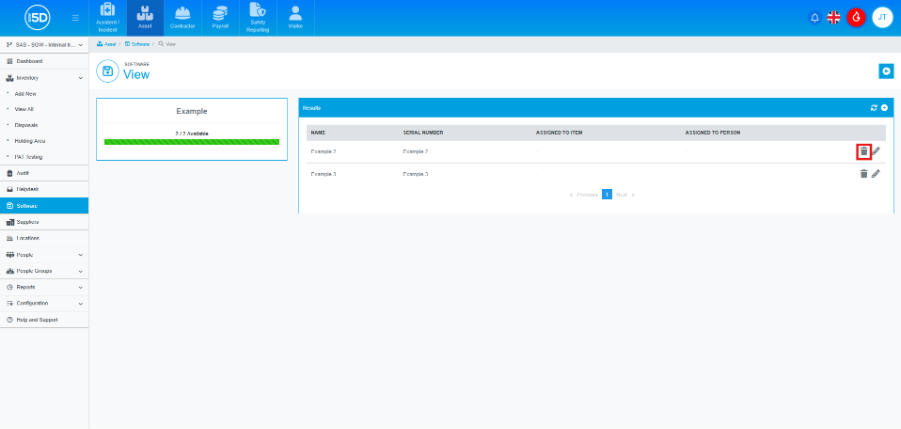
- Next, click on the Bin icon next to the license you wish to delete.
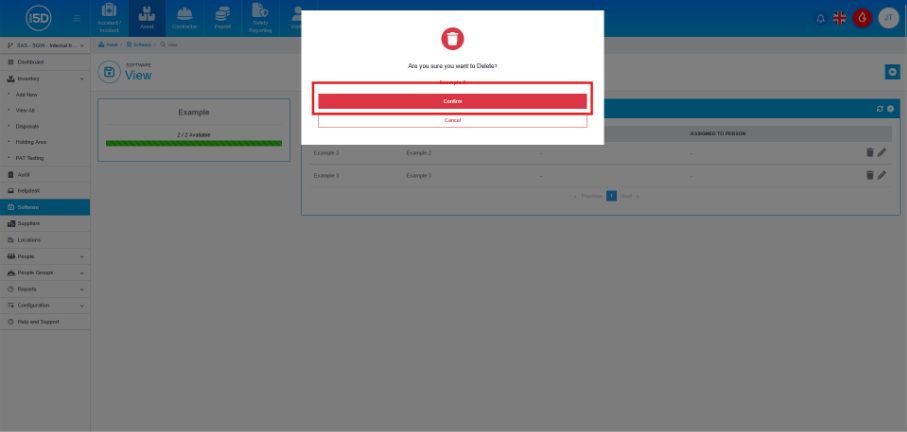
- You will then be asked to confirm the deletion, click ‘Confirm’ to delete the record.
- Using the left-hand navigation panel, go to ‘Software.’