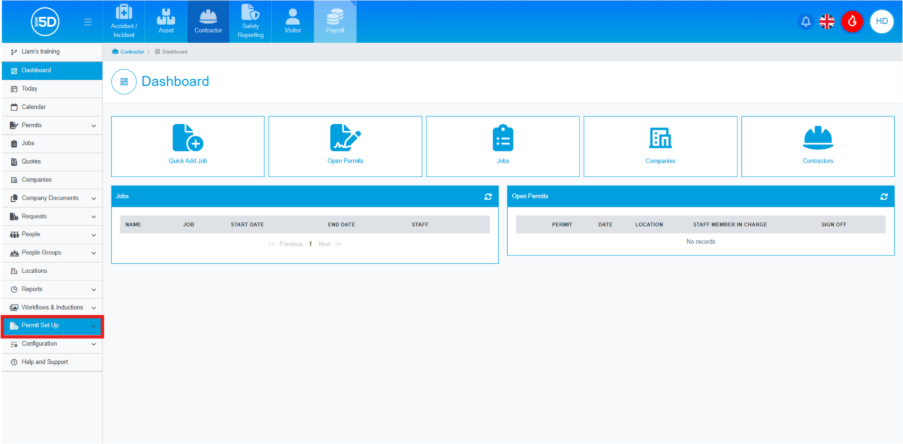
- From anywhere in the Contractor module, use the left-hand navigation panel and click ‘Permit Setup’.
 |
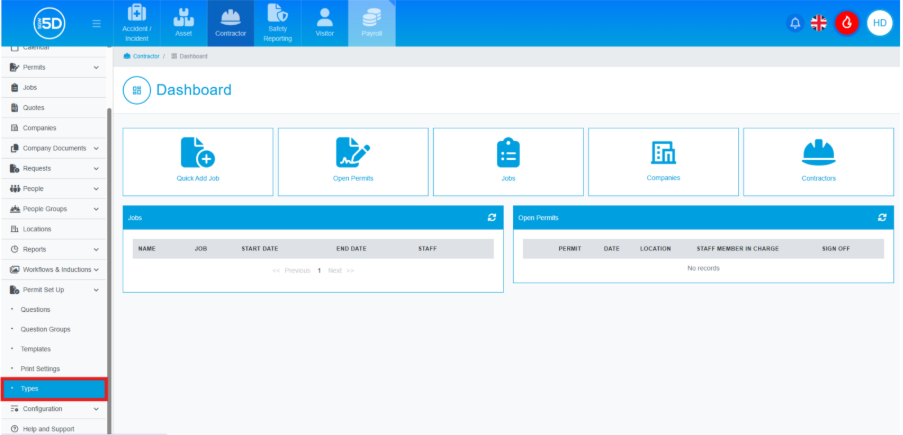
| - Then click ‘Types’.
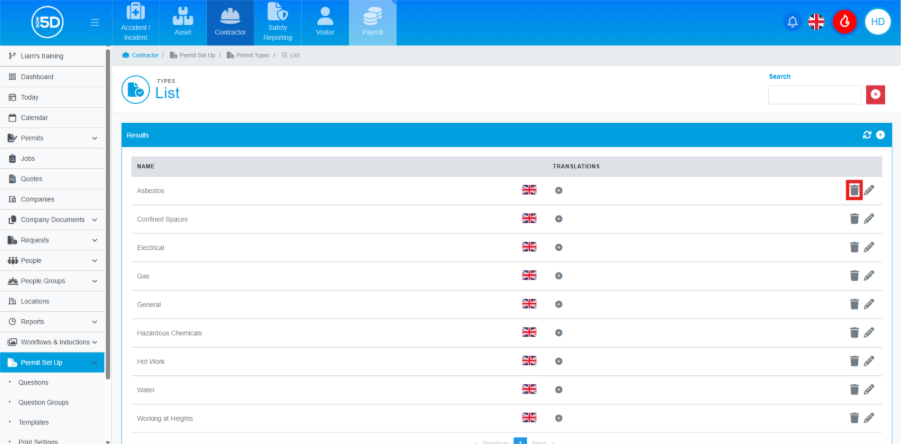
- This will take you to a list of currently created permit types. To delete a permit type, click the recycle bin icon on the row of the type you wish to delete.
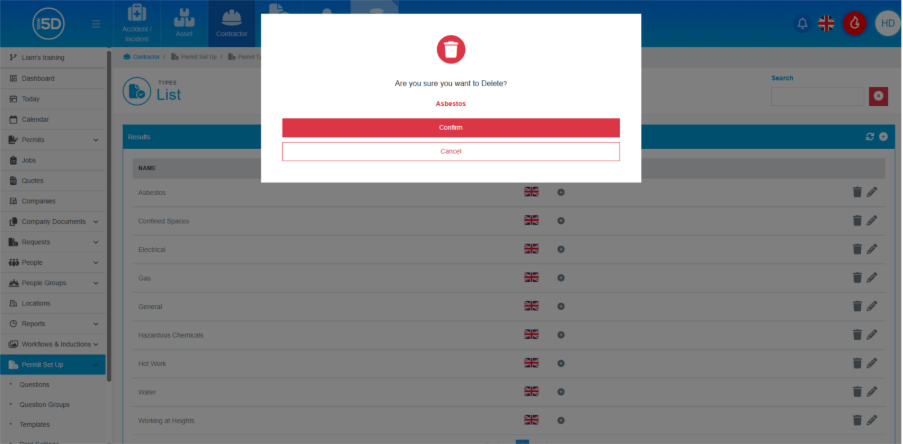
- To finalise the deletion, click ‘Confirm’.