-
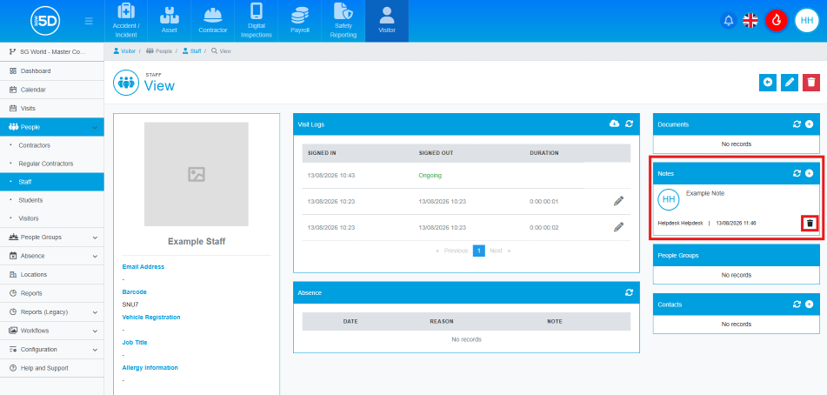
- Most record types in the system can have notes added. These notes can also be deleted. I will demonstrate how to remove a note from a staff record, but these steps can be applied to any record type.
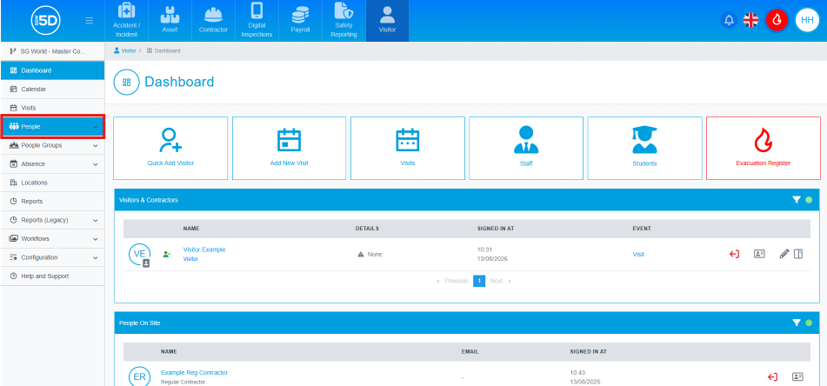
- To delete a note from a staff record, from any module, click the ‘People’ section on the left-hand side.
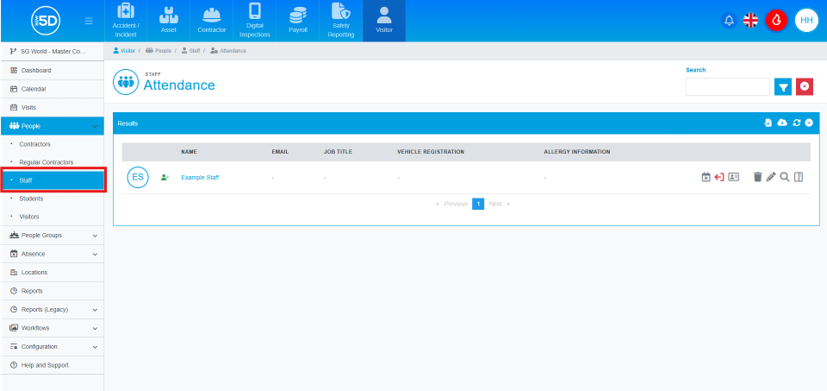
- Then click ‘Staff’.
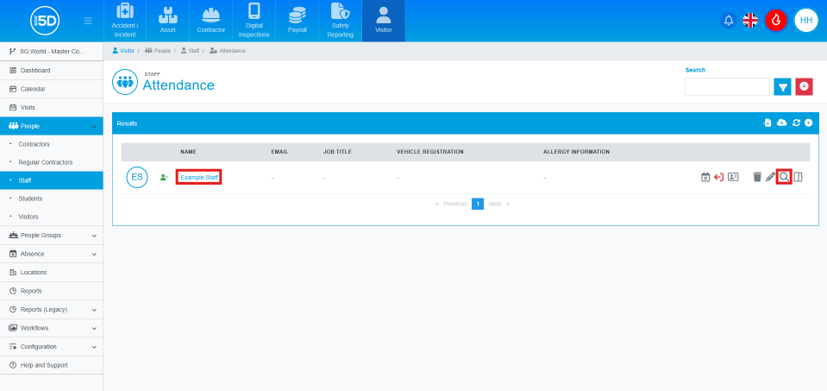
- This will take you to the overview page of your staff members. To delete a note, you will first need to view the record by clicking the name of the record or the magnifying glass icon.
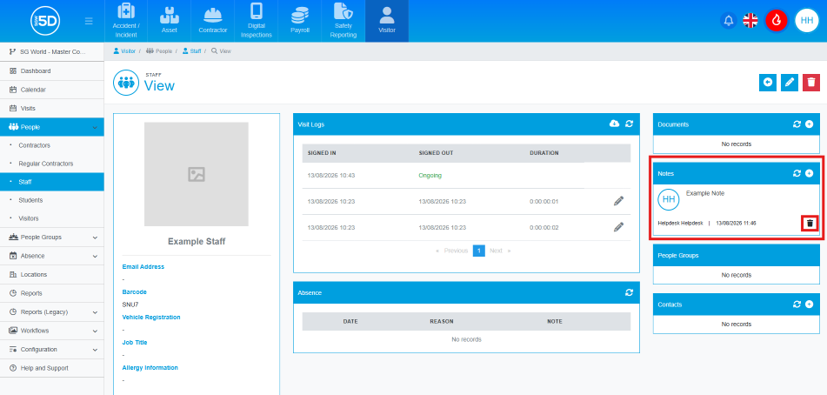
- In the ‘Notes’ section on the right-hand side of the screen, locate the note you wish to delete and click the bin icon beneath that note.
- An overlay will appear asking you to confirm the deletion. To complete the process, click ‘Confirm’.