
-
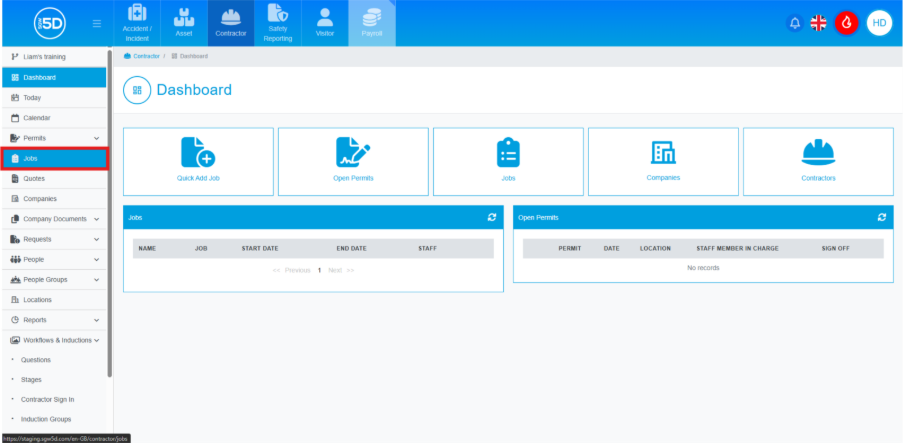
- From the contractor module, start by clicking ‘Jobs’ on the left-hand navigation panel.
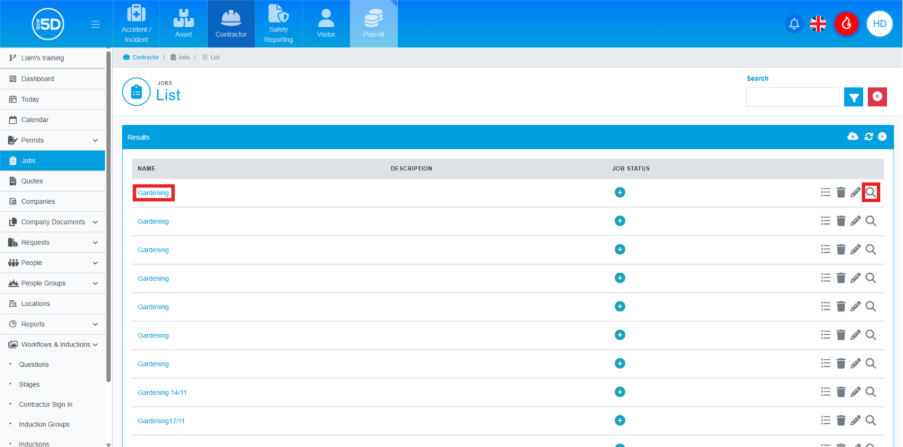
- This will take you to a list of old and active jobs. Locate the job you want to delete an event for. Click on the name of the job or the magnifying glass to access the record.
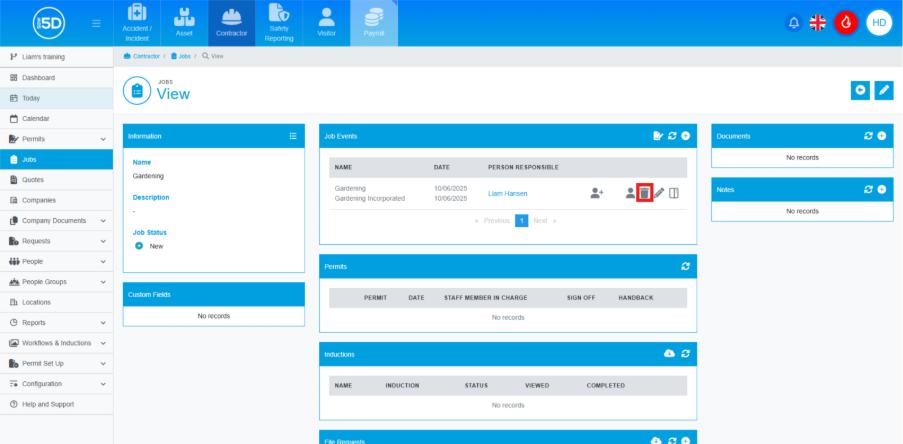
- This will take you to the job overview page. To delete an event, click the recycling bin icon next to the event you wish to remove.
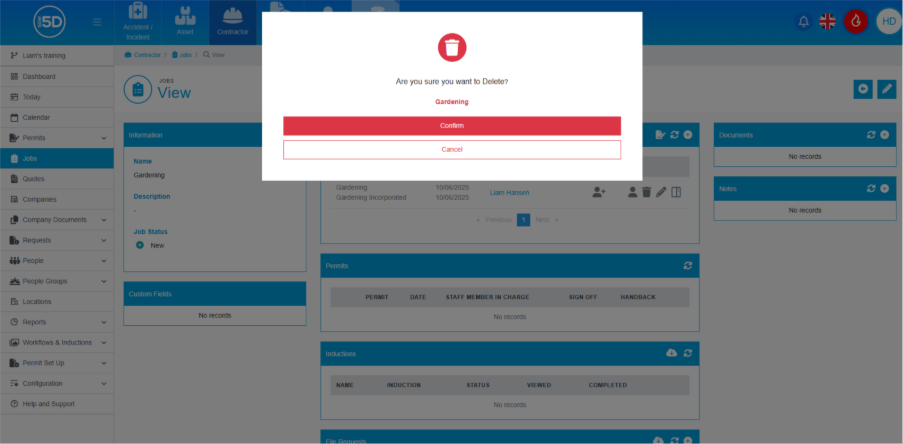
- An overlay will appear asking you to confirm the deletion. To proceed, click ‘Confirm’.
- From the contractor module, start by clicking ‘Jobs’ on the left-hand navigation panel.