
-
- Using the left-hand navigation panel, go to Audit.
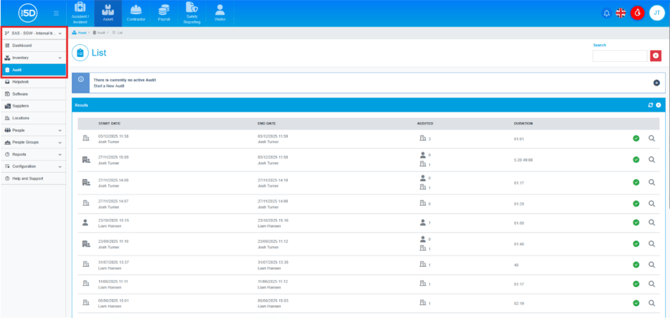
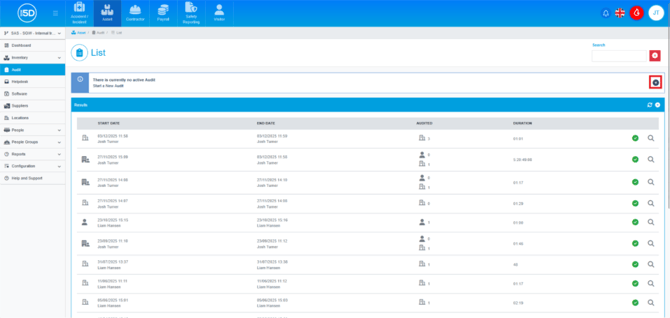
- You will now see a list of any past audits, to start a new audit click the Plus button in the black circle.
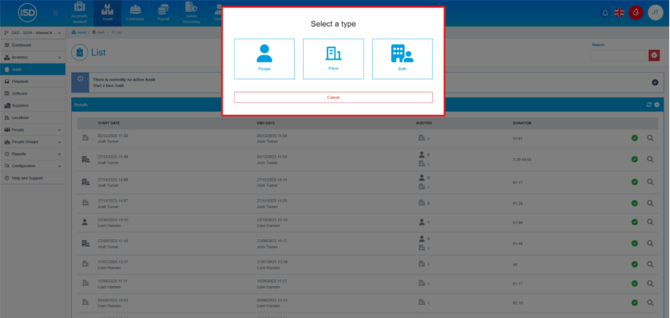
- You will now see a menu that asks you to select a type of audit you would like to run. People will let you audit items assigned to People while Place is items assigned to Locations. Both will let you do all assigned items. I will select Both for this example.
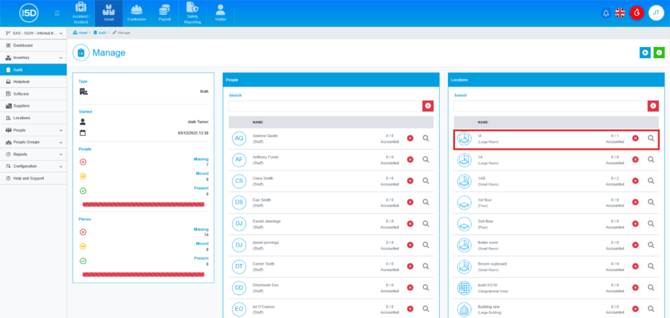
- You will now see a list of either People, Locations, or both. To start auditing one of these options, click the magnifying glass next to the record.
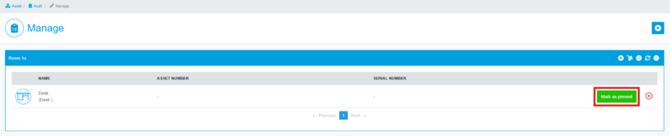
- You will now see a list of items that have been registered to that record. You can click the green ‘Mark as Present' button to account for it in the room.
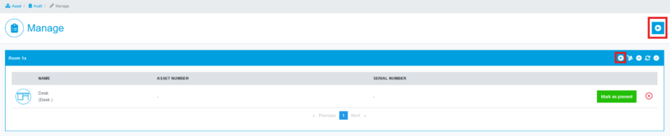
- To go back to the list of auditable records, click on either of the arrow icons.
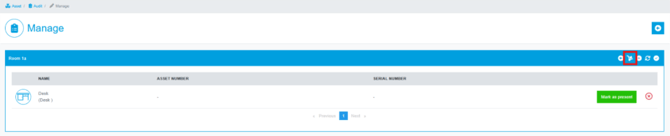
- If during an audit you find an item that needs moved to the current record, you can click the box trolley icon to bring up a list of all items on the system.
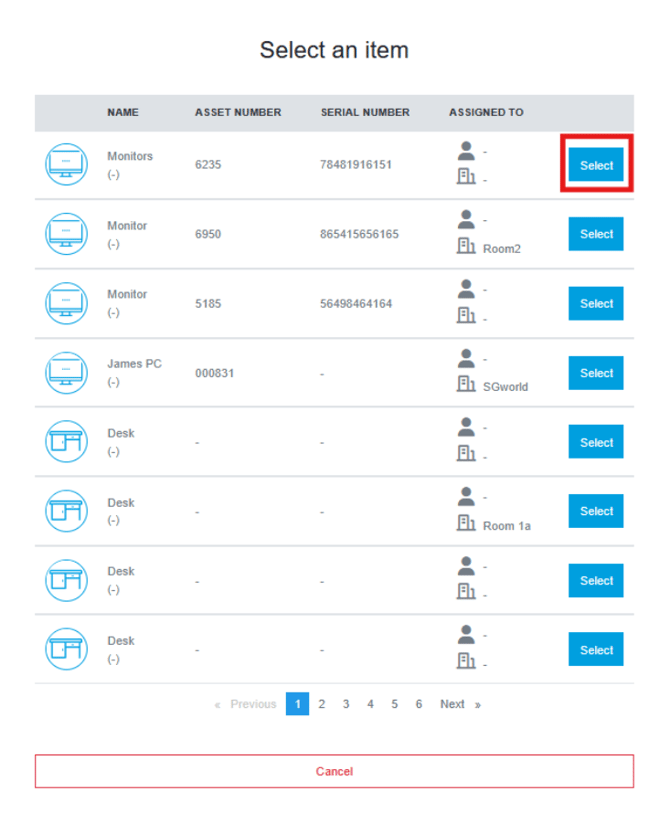
- You can then search for your item and click ‘select’ to add it to this record.
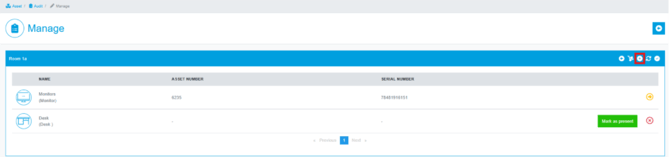
- If you need to add a new item to this record, click the Plus button.
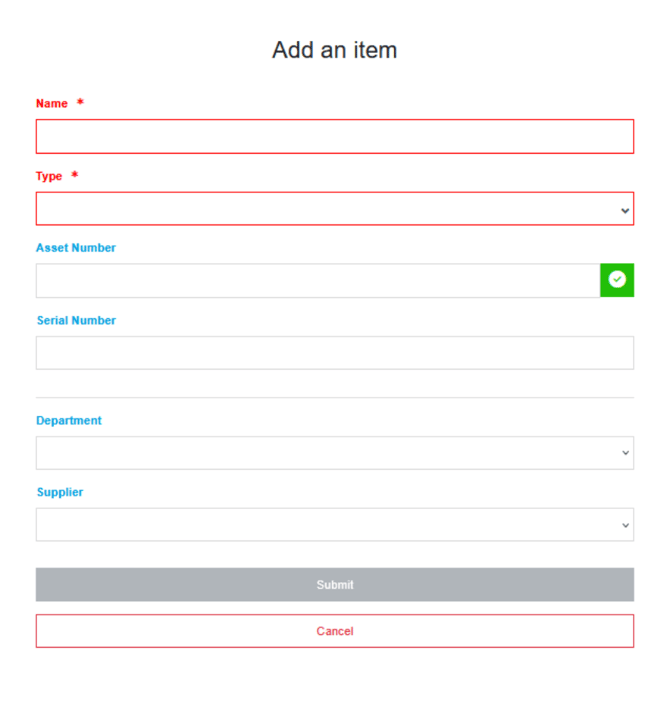
- Enter any item details, and then click ‘Submit’ to finalise the item addition.
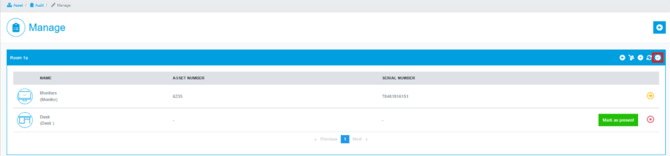
- Once you have finished auditing this record, click the tick icon to complete the audit for the record.
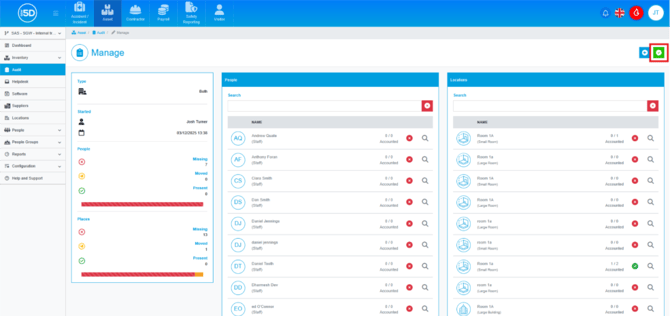
- You can now continue to audit any further people or rooms. Once you have finished click the green tick button in the top right of the Manage screen to finish the audit. You will be asked to confirm, click ‘Confirm’ to continue or ‘Cancel’ to go back.
- You can now review all pending changes from this audit, when you are ready, click the green tick button to start finalising the audit changes or click on the yellow door to reopen the audit to make further changes.
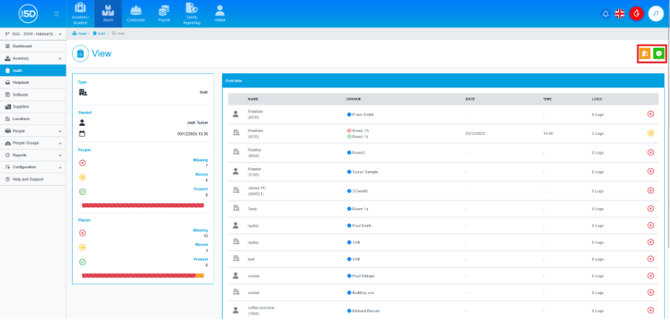
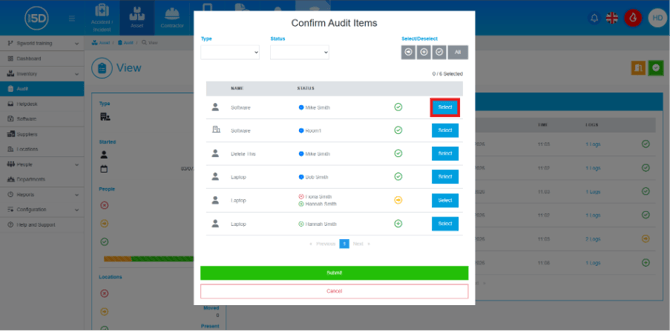
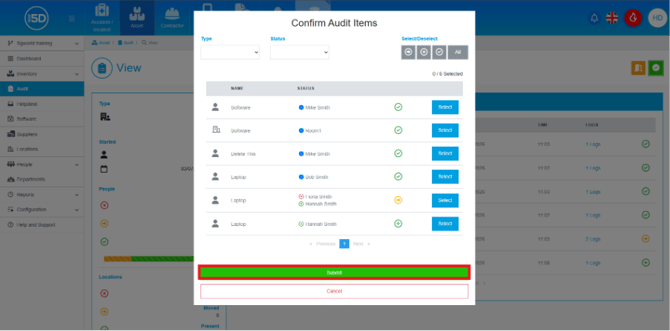
- When you click the confirm, an overlay will appear on the screen called Confirm Audit Items. This overlay is to confirm any changes made to items, such as movements of items.
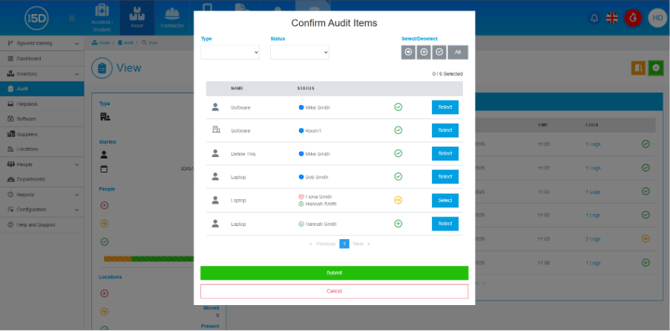
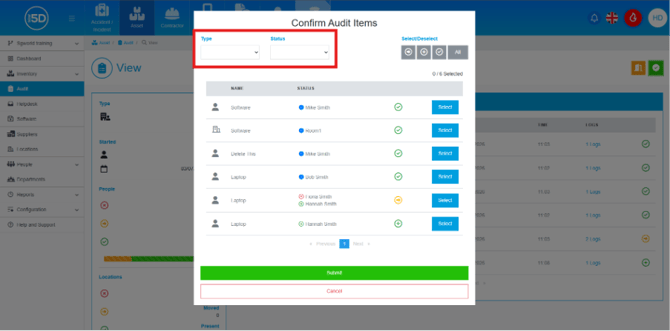
- There are filters in the top left corner to of Type and Status, allow you to break down the list further.
- In the top right there are series of button that will allow you to select in bulk, the different types of changes.
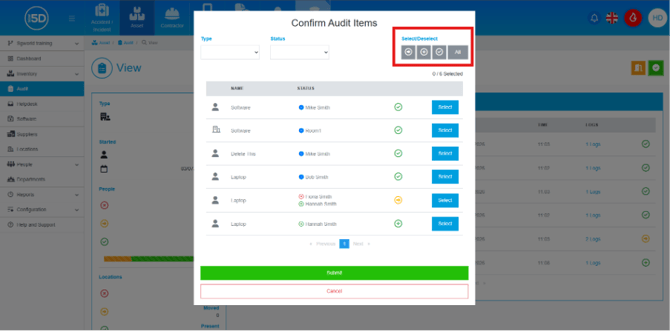
- You press Select on the row of any item to sign off any induvial changes made during the audit. This really is to confirm any movement changes to made during the audit.
- To finalise the audit click Submit.
- Using the left-hand navigation panel, go to Audit.