
-
- This can be done from both the Visitor module and the Contractor module. The process is the same for both modules; however, for this guide, I will be using the Visitor module.
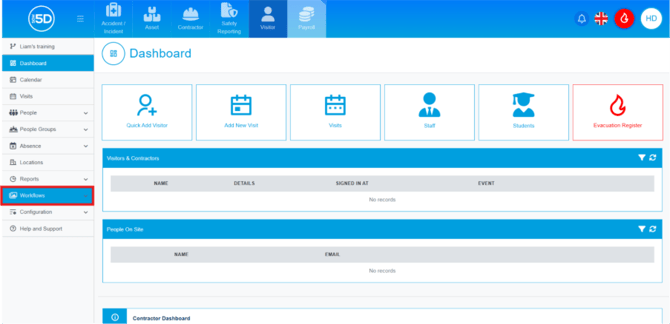
- From the Visitor module, click ‘Workflows’ in the left-hand navigation panel.
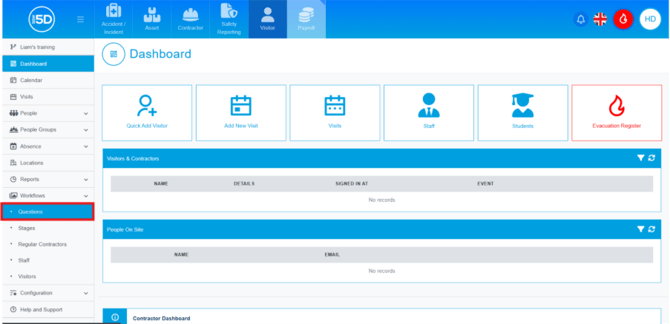
- Then click ‘Questions’.
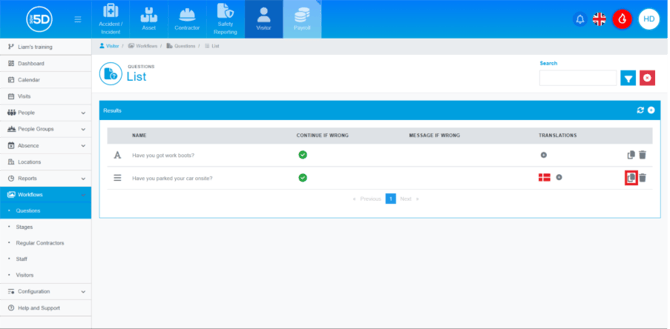
- This will display a list of all current questions. To clone a workflow question, click the icon showing two overlapping pages next to the question you wish to clone.
- The cloned question will contain all the details of the original question, but you can edit any aspect of it.
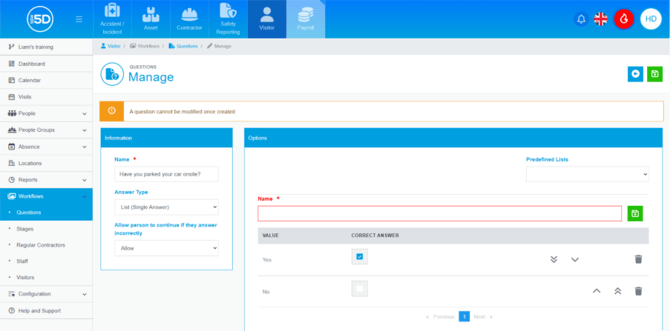
- To save any changes you make to the cloned question, click the green Save icon in the top-right corner.
