
-
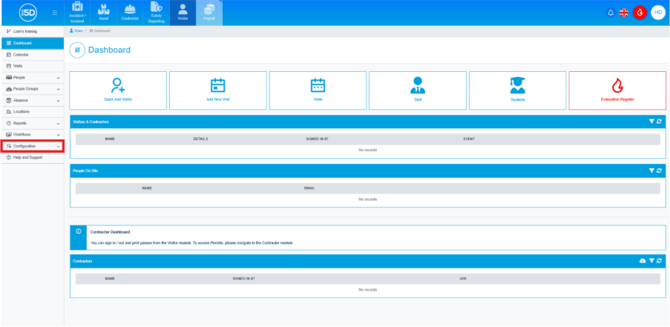
- To clone a pass design, first navigate to the Visitor module and click ‘Configuration’ in the left-hand navigation panel.
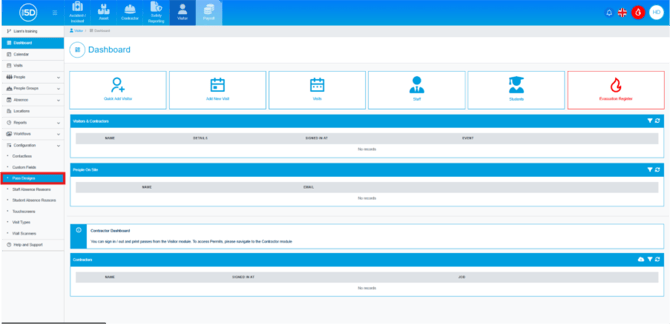
- From the drop-down menu, select ‘Pass Designs’.
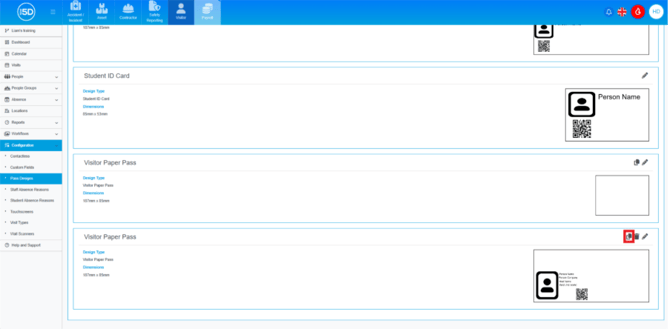
- You will see a list of all available pass designs. Locate the visitor pass you want to clone and click the Clone icon (two overlapping pages). N.b. Only visitor passes can be cloned. Contractor, staff, student, or regular contractor passes cannot be cloned.
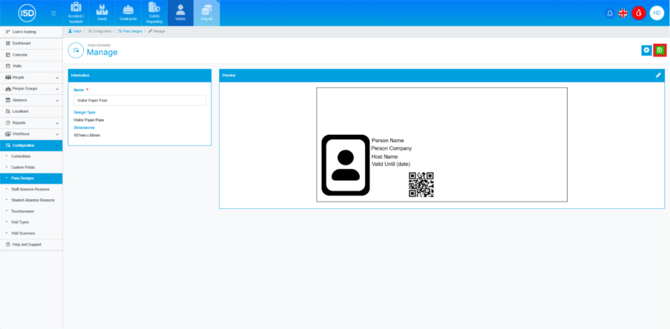
- This will open the overview page for the newly cloned pass design. You can edit the name in the ‘Name’ field and modify the pass itself by clicking the Pencil icon in the top-right corner.
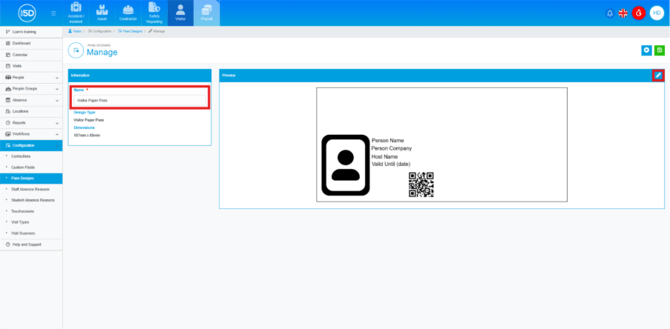
- To save any changes, click the Green Save icon in the top-right corner.
- To clone a pass design, first navigate to the Visitor module and click ‘Configuration’ in the left-hand navigation panel.