
- How to change a Job status
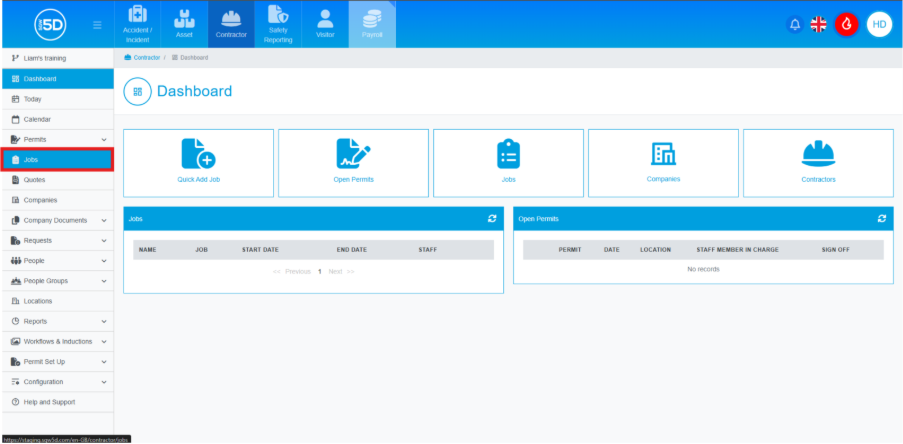
- From the contractor module, use the left-hand navigation panel and click ‘Jobs’.
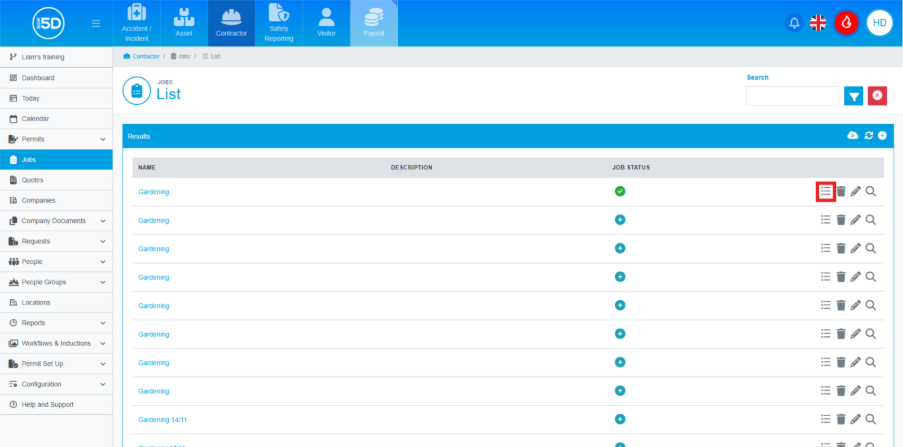
- The ‘Jobs’ section displays a list of your jobs, both completed and new. To change the change status, click the three-lines icon.
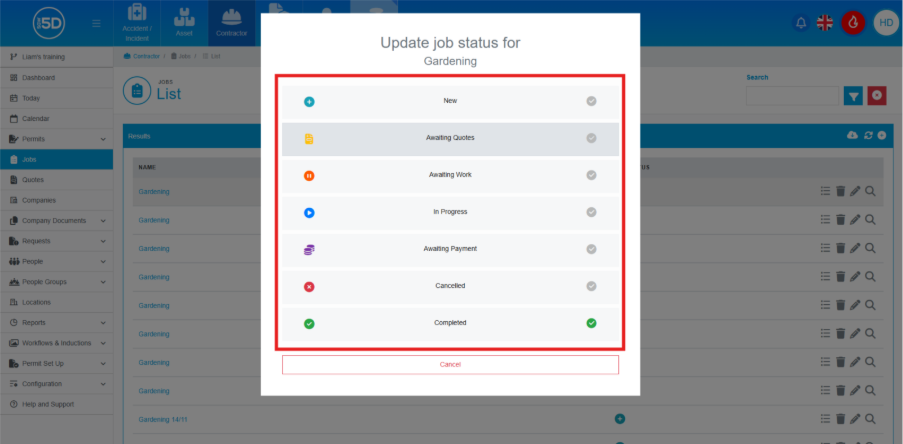
- An overlay will appear on the screen. Here, you can select the status of a job, click a state to select it.
- From the contractor module, use the left-hand navigation panel and click ‘Jobs’.