
-
- From the Contractor module, click ‘Permit Set Up’.
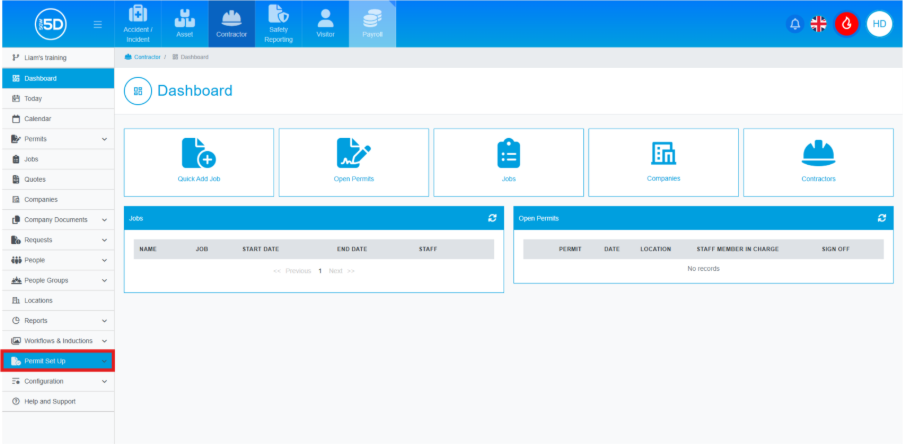
- From the dropdown menu, click ‘Question Groups’.

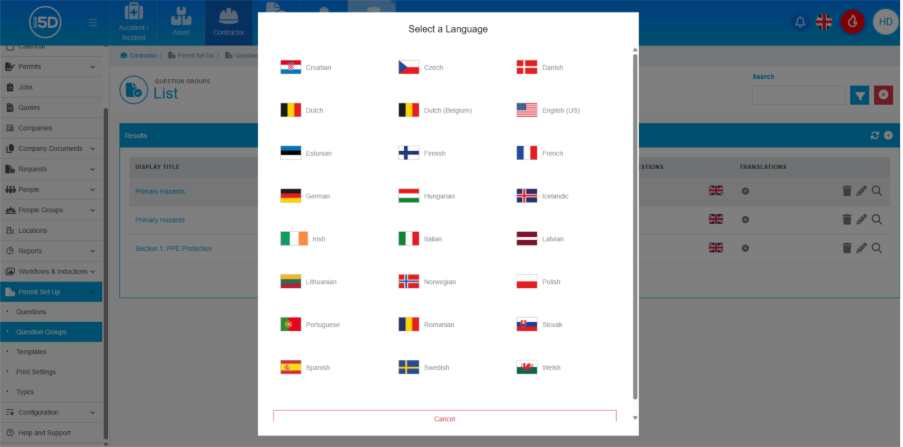
- This will take you to a list of all of your permit groups. To add translation to a question group, click the plus symbol under the translation column.

- A list of all available languages will appear. Click the flag of the language you wish to use.
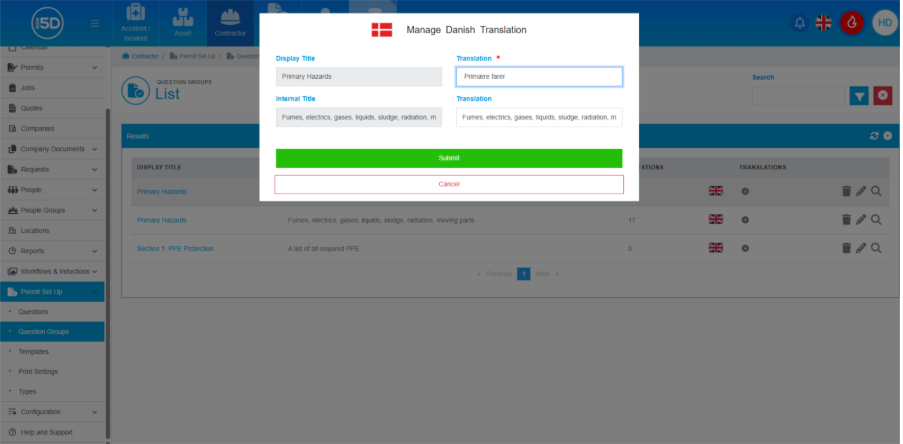
- 5D does not automatically translate the contents of the question groups. You will just need to add the translation of the ‘Display Title’ and ‘Internal Title’ manually.
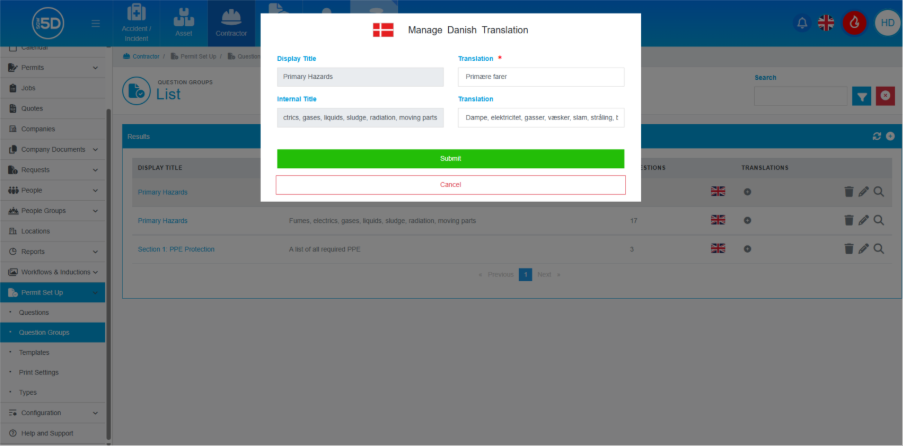
- Click ‘Submit’ to save any changes.
- From the Contractor module, click ‘Permit Set Up’.