
-
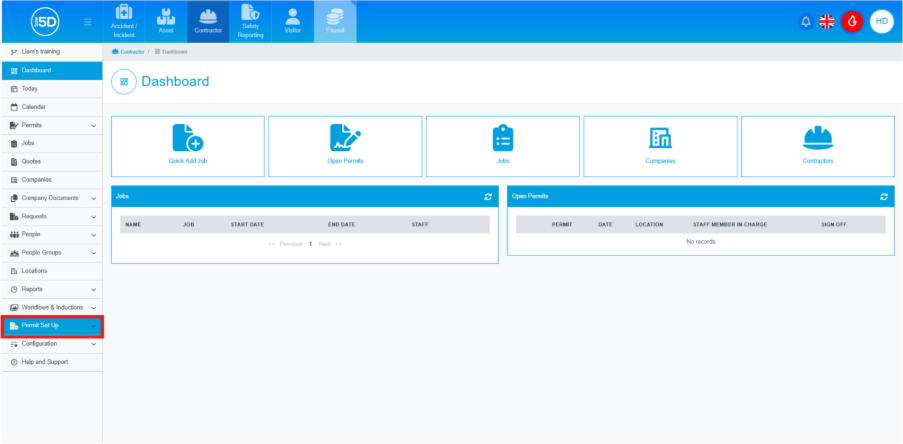
- From anywhere in the Contractor module, use the left-hand navigation panel and click ‘Permit Setup’.
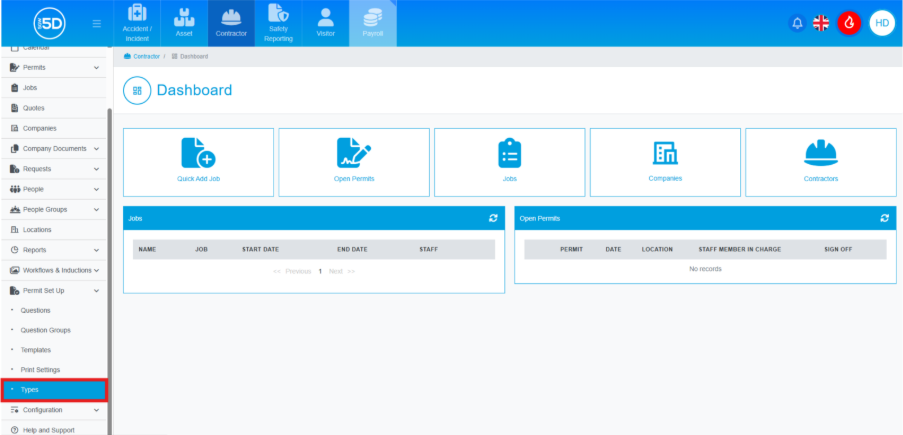
- Then click ‘Types’.
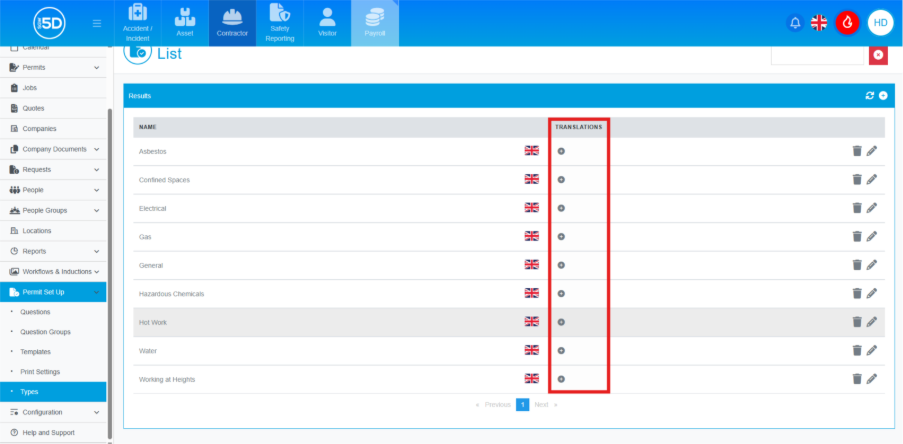
- This will take you to a list of currently created permit types. To add a translation, click the plus symbol of the type you want to translate under the translation column.
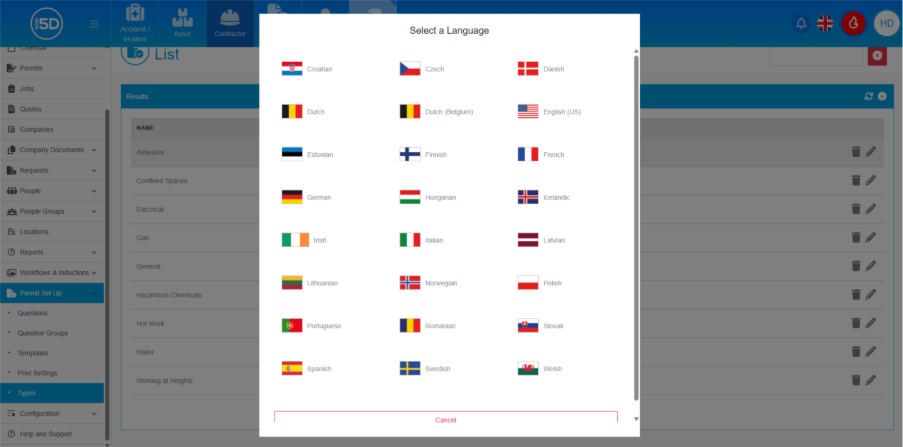
- An overlay will appear allowing you to select the flag of the language you want to translate it into.
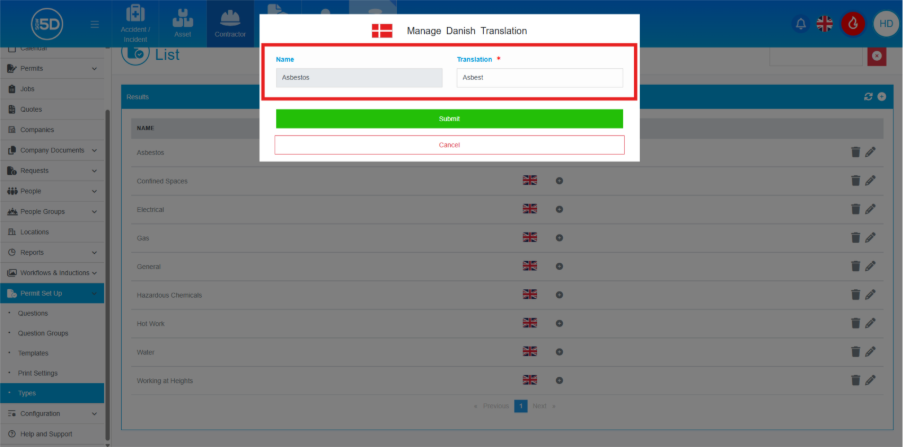
- You will have to manually add the translation for the name of the permit type.
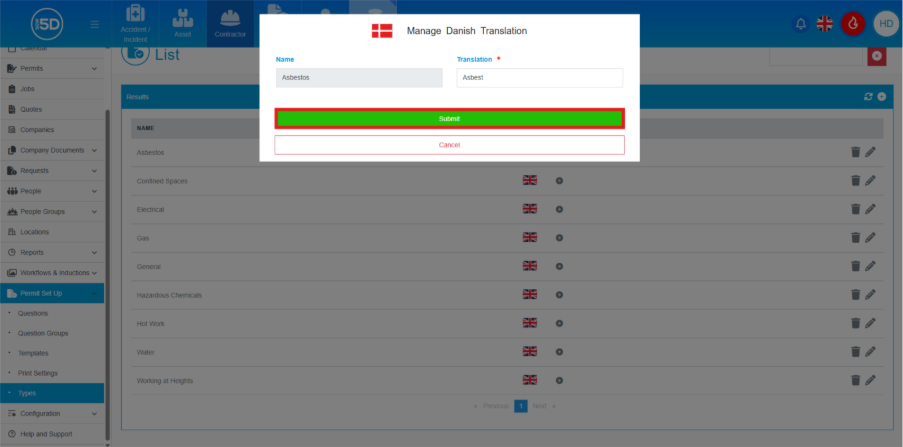
- When done, click ‘Submit’ to save any changes.
- From anywhere in the Contractor module, use the left-hand navigation panel and click ‘Permit Setup’.