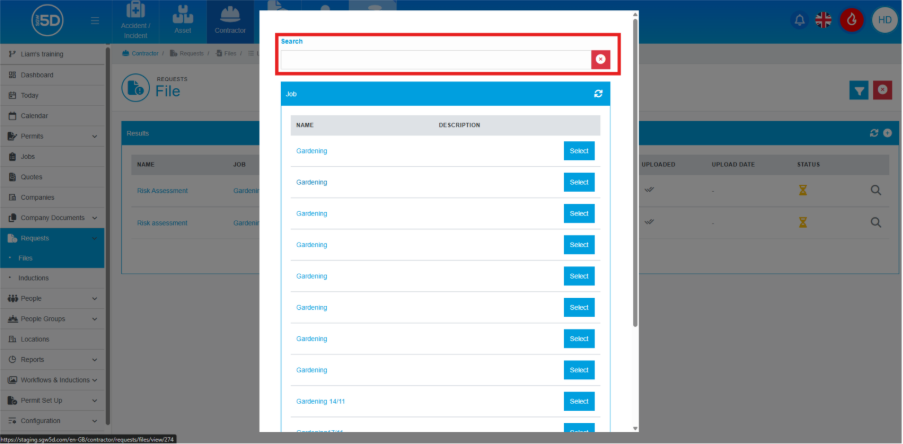
- Change to layout: File request
- We have now added in a search bar during the file request stage. This search bar only appears when searching for a job, when creating a new file request.
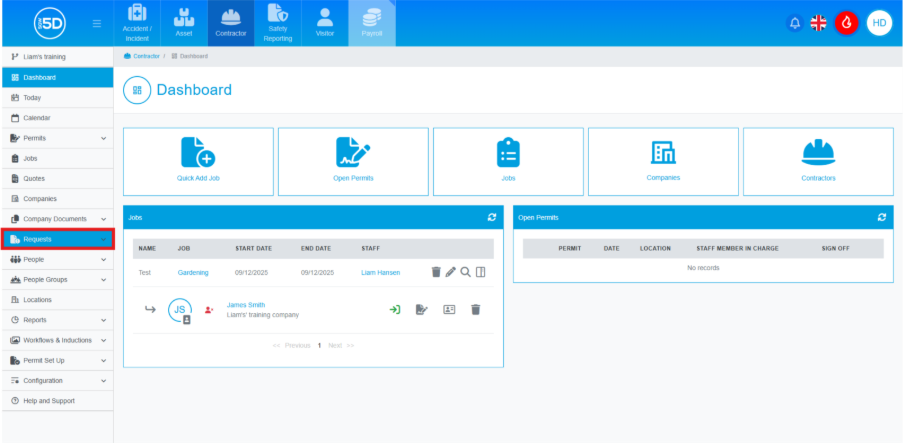
- Using the left-hand navigation panel and click ‘Requests’.
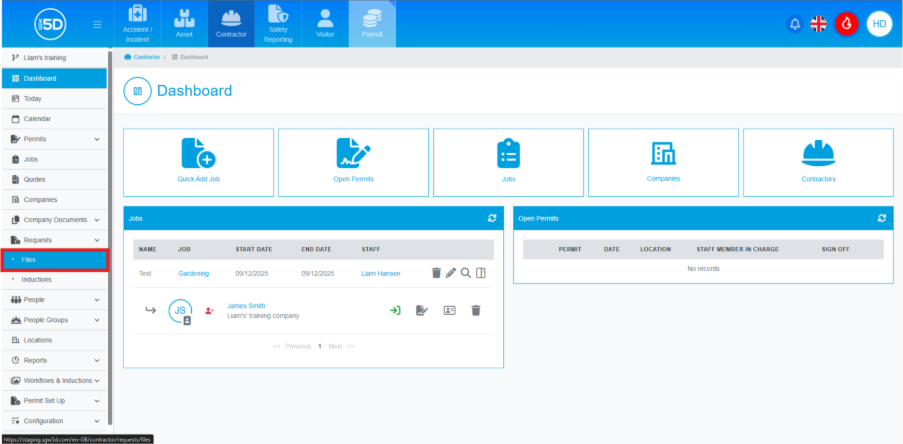
- This will extend the menu, then click ‘Files’.
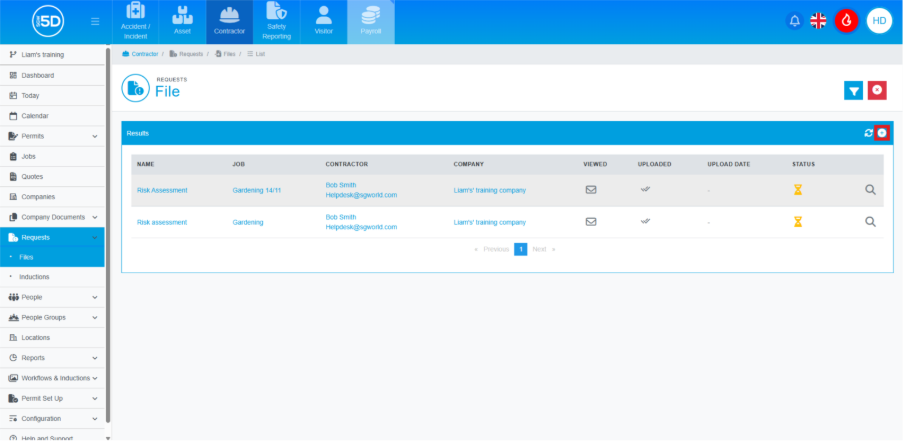
- This will take you to list of all the file requests that have occurred on the system. To request a new file, click the plus symbol in the top right.
- This is where the change has occurred, there is now a search bar at the top of the page where you can search for a job.