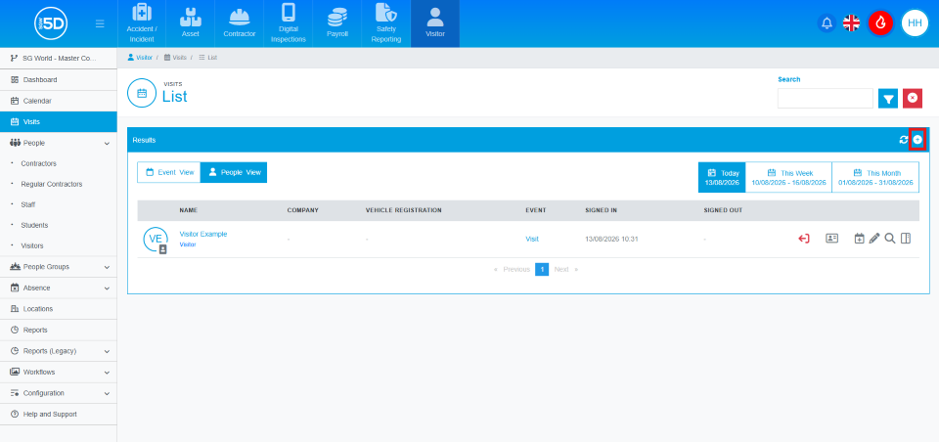
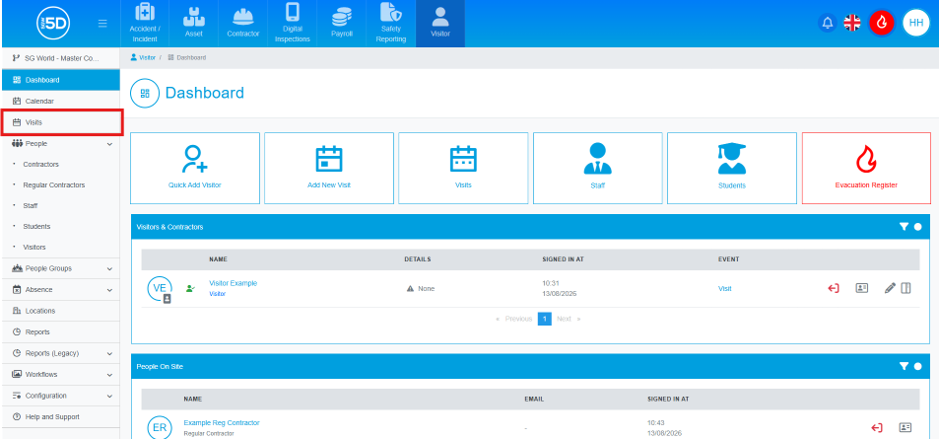
- To get to visits, from anywhere in the visitor module, click Visits, using the left-hand navigation panel.
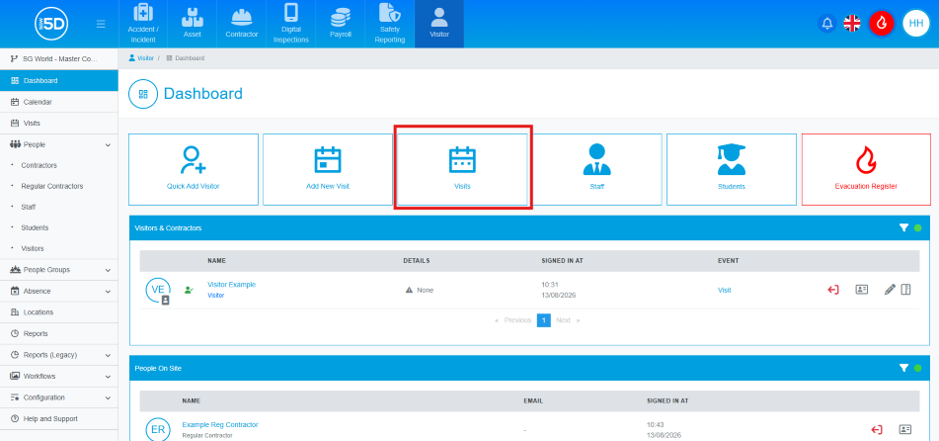
- You can also navigate here from the dashboard by clicking the Visits button.
- This will take you to the Visits List. This will give you an overview of all upcoming visitors that will be attending your site.
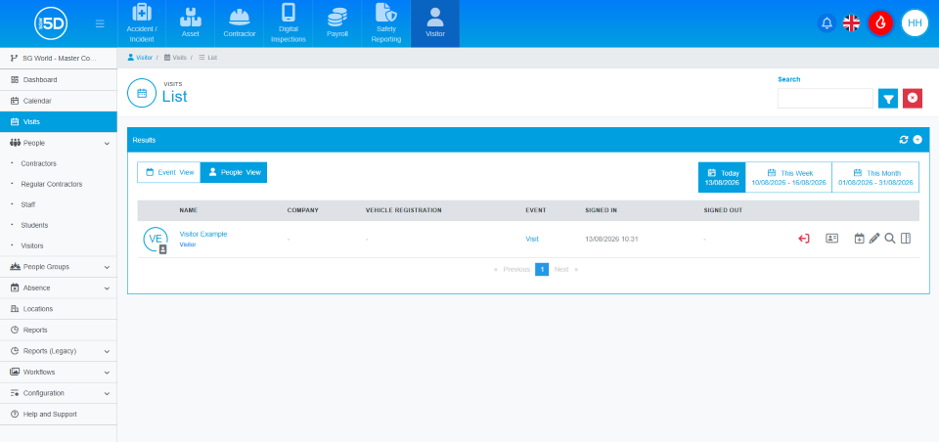
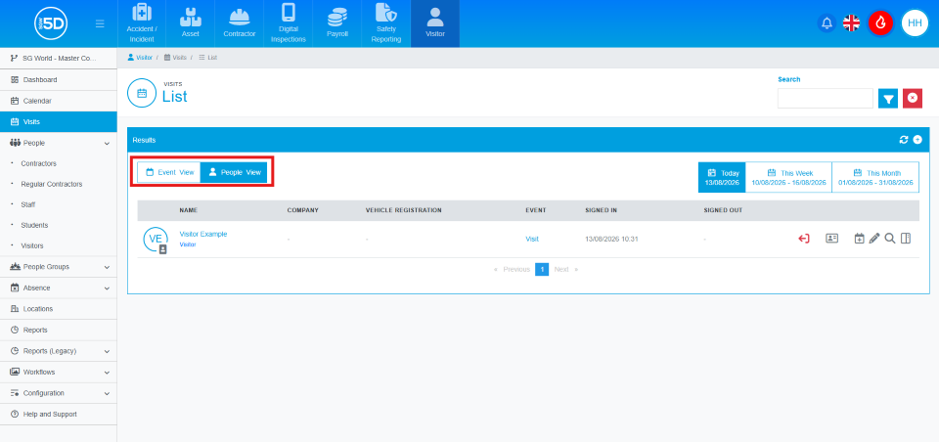
- You can change the view of either the visitors or the events by using the section box in the top left corner.
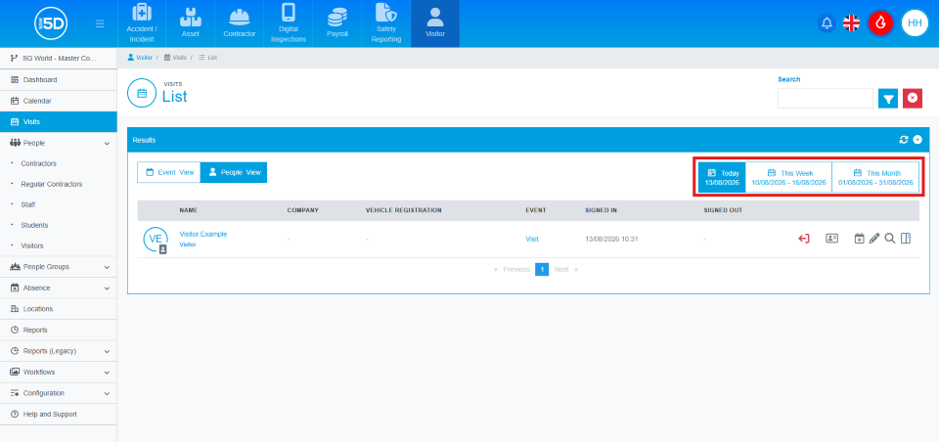
- You can view by day, week or month in advance by selecting the time in the top right corner.
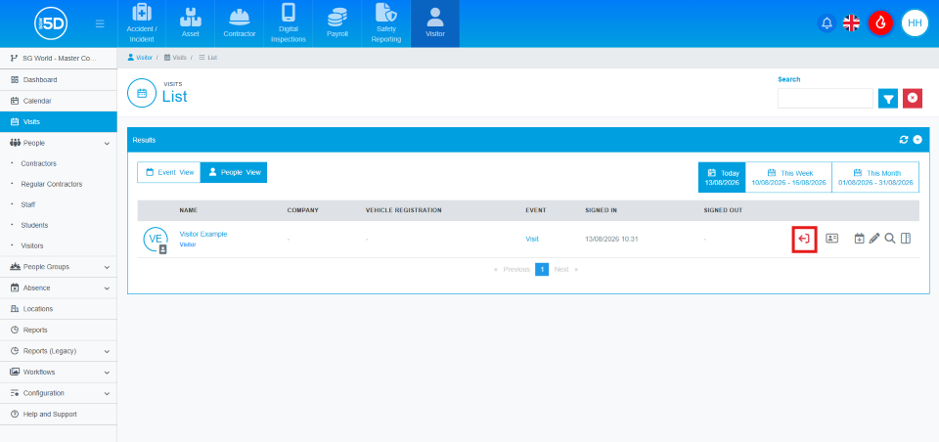
- From here you can sign someone in or out of the system, by clicking the green arrow symbol to sign them in, or the red arrow to sign them out.
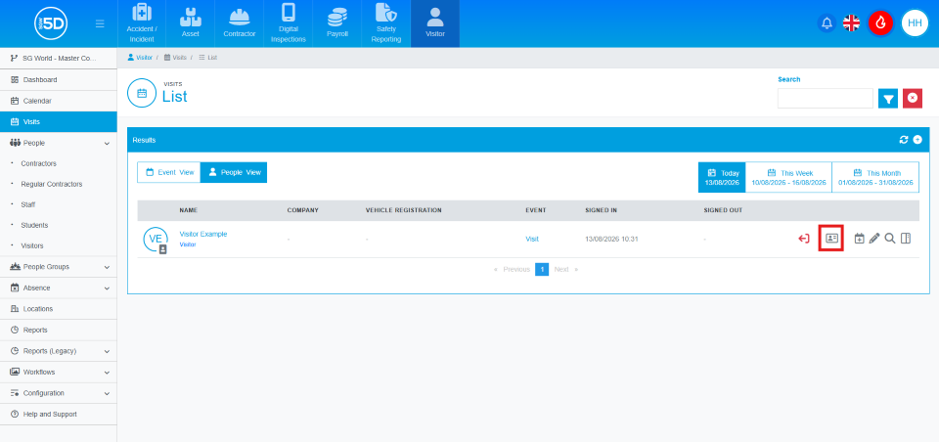
- You can print off a pass for somebody by clicking the pass symbol on the row of the record you need to print a pass for.
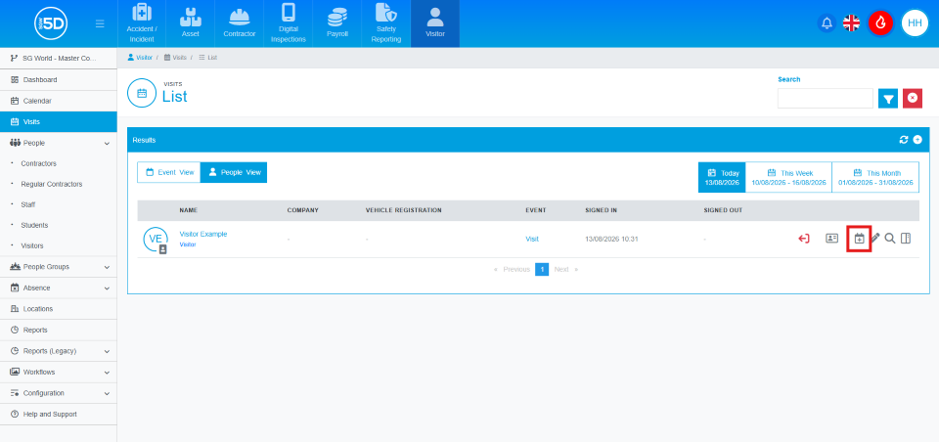
- You can add an event to your own calendar using the calendar + symbol. There is a guide to walk you through how to do this.
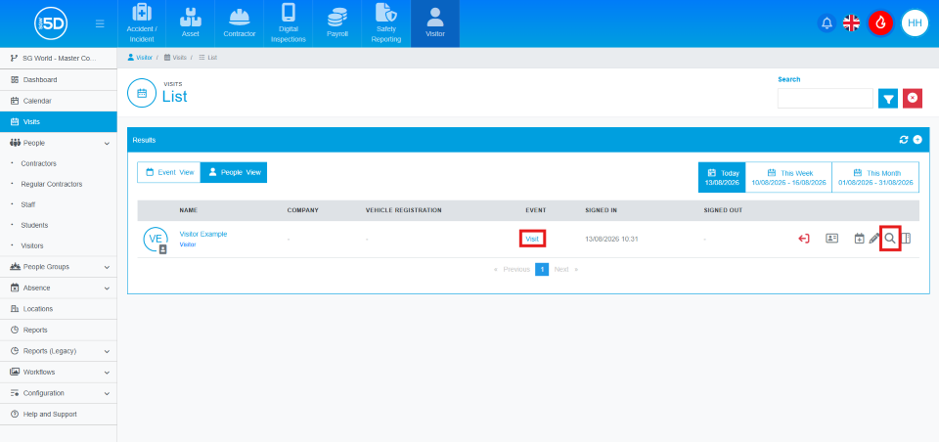
- You can click the name of the event, or the magnifying glass to see further details about that event.
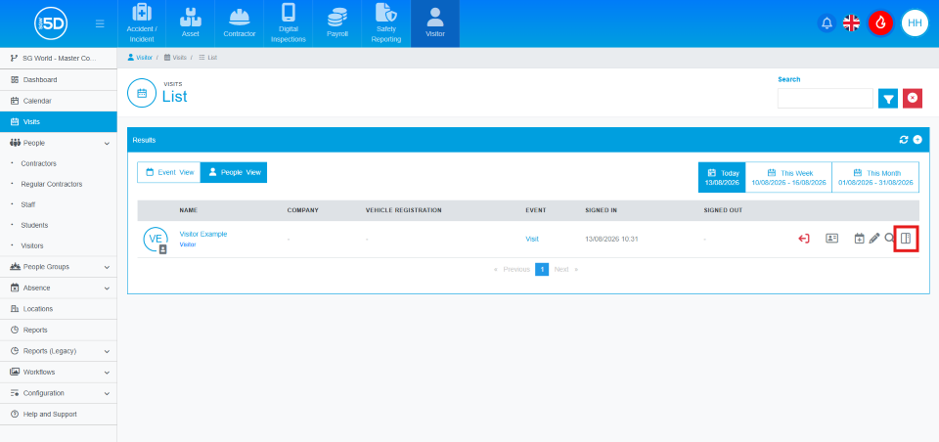
- Did you know, you can also click the preview button to see some further details about the visitor and the event.
- You can also pre-book from here by clicking the plus symbol in top corner.